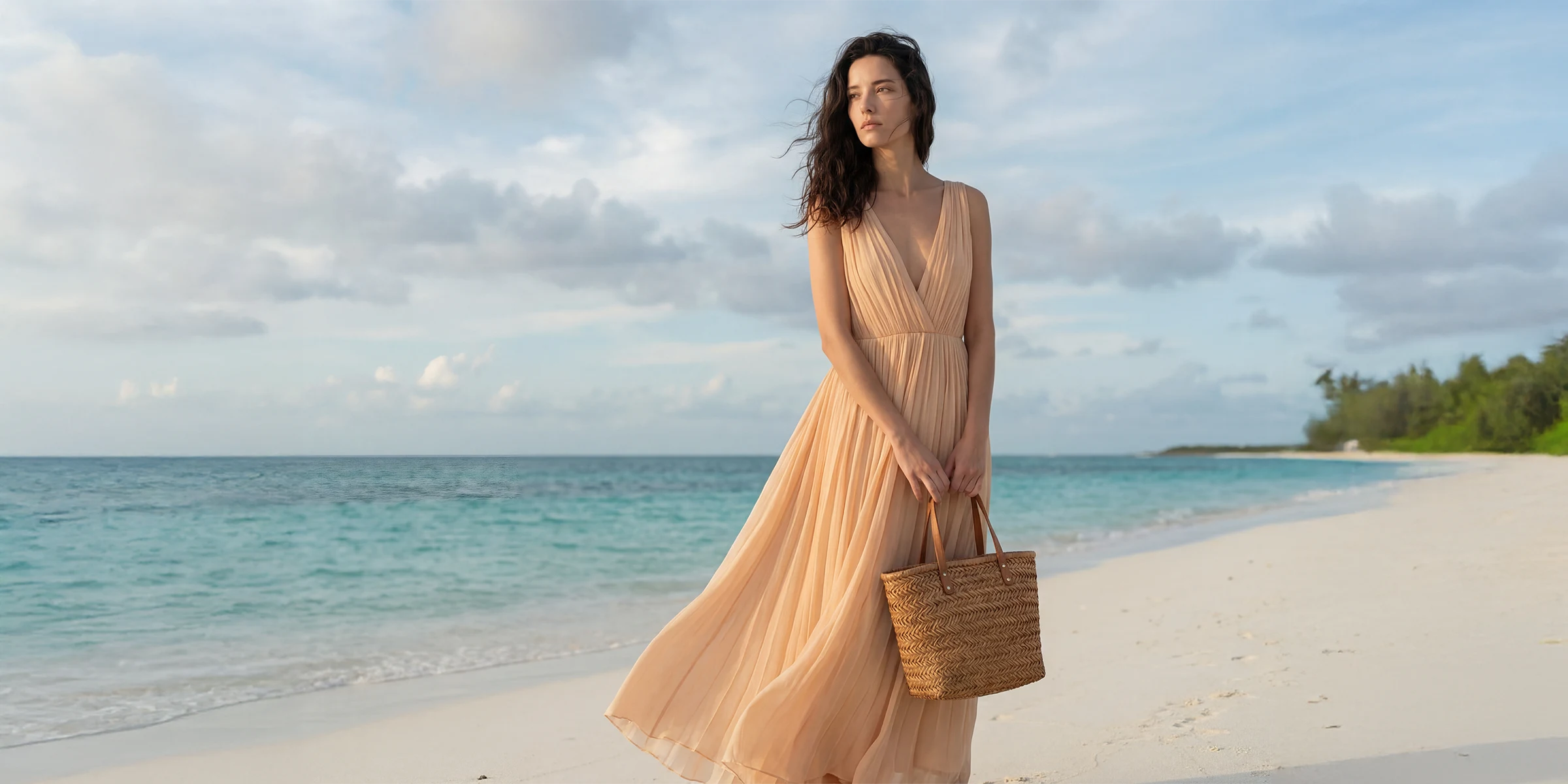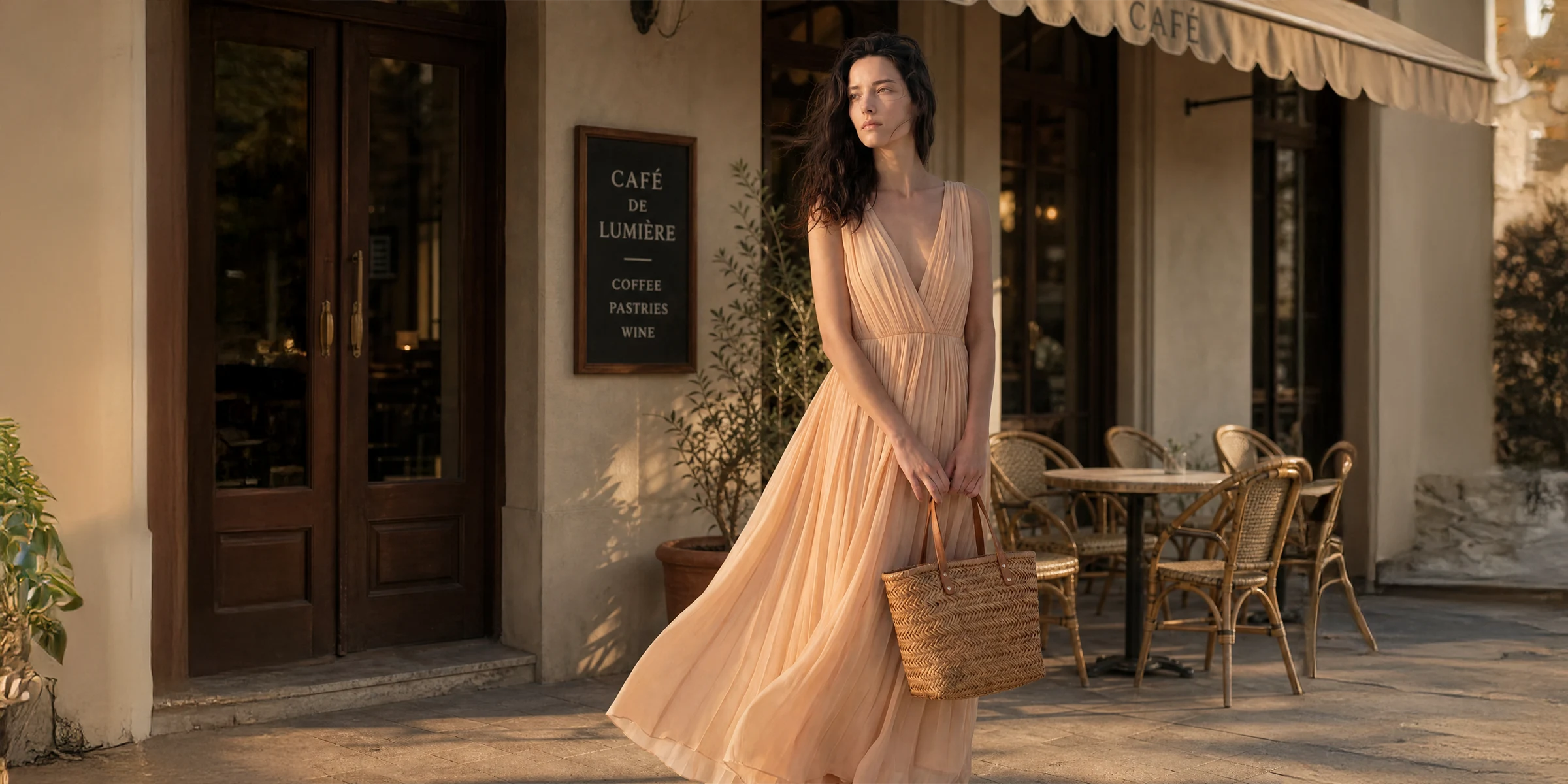
Click, Click, Lookbook!
Make your own lookbook with clicks — no prompts
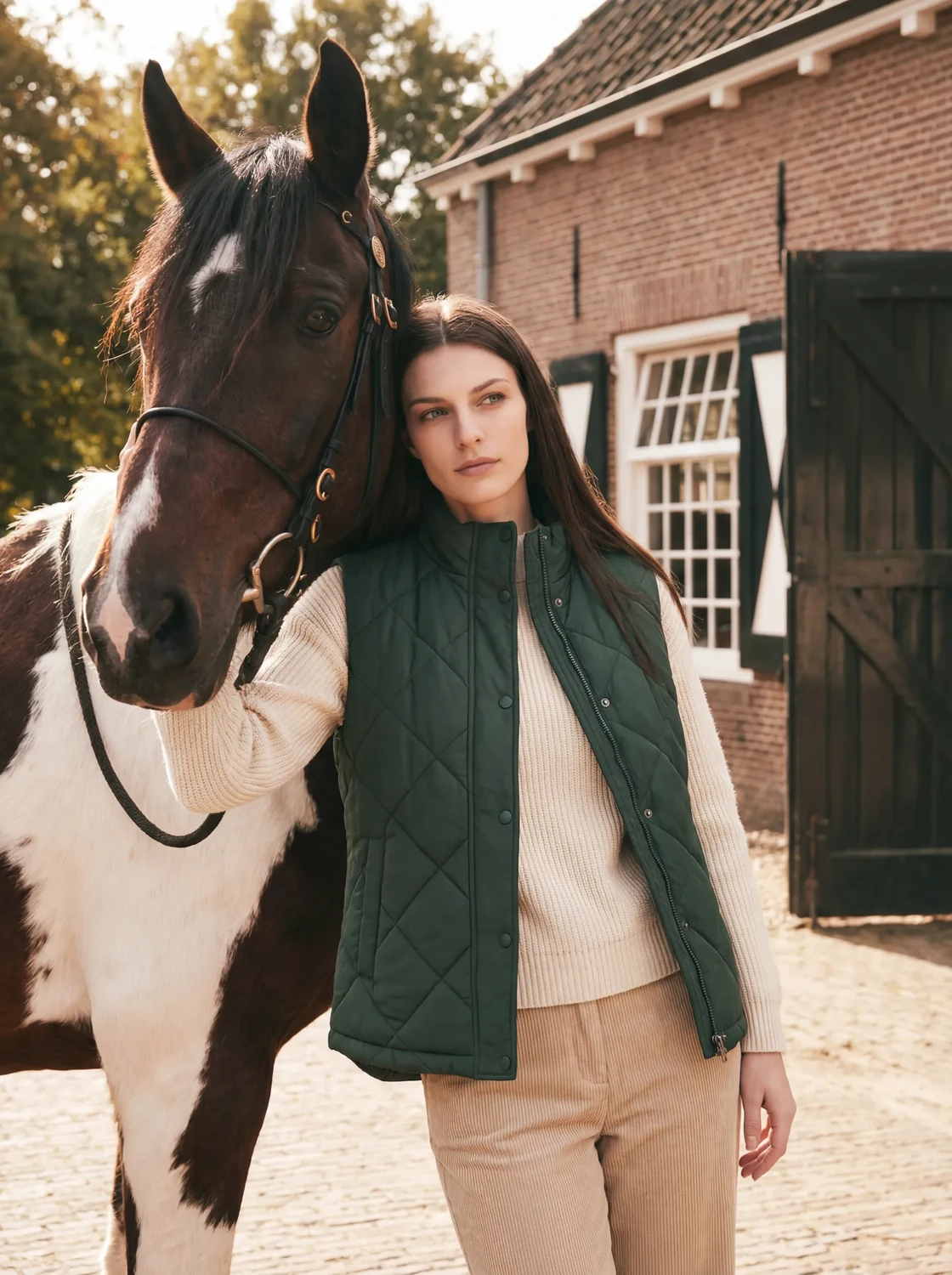
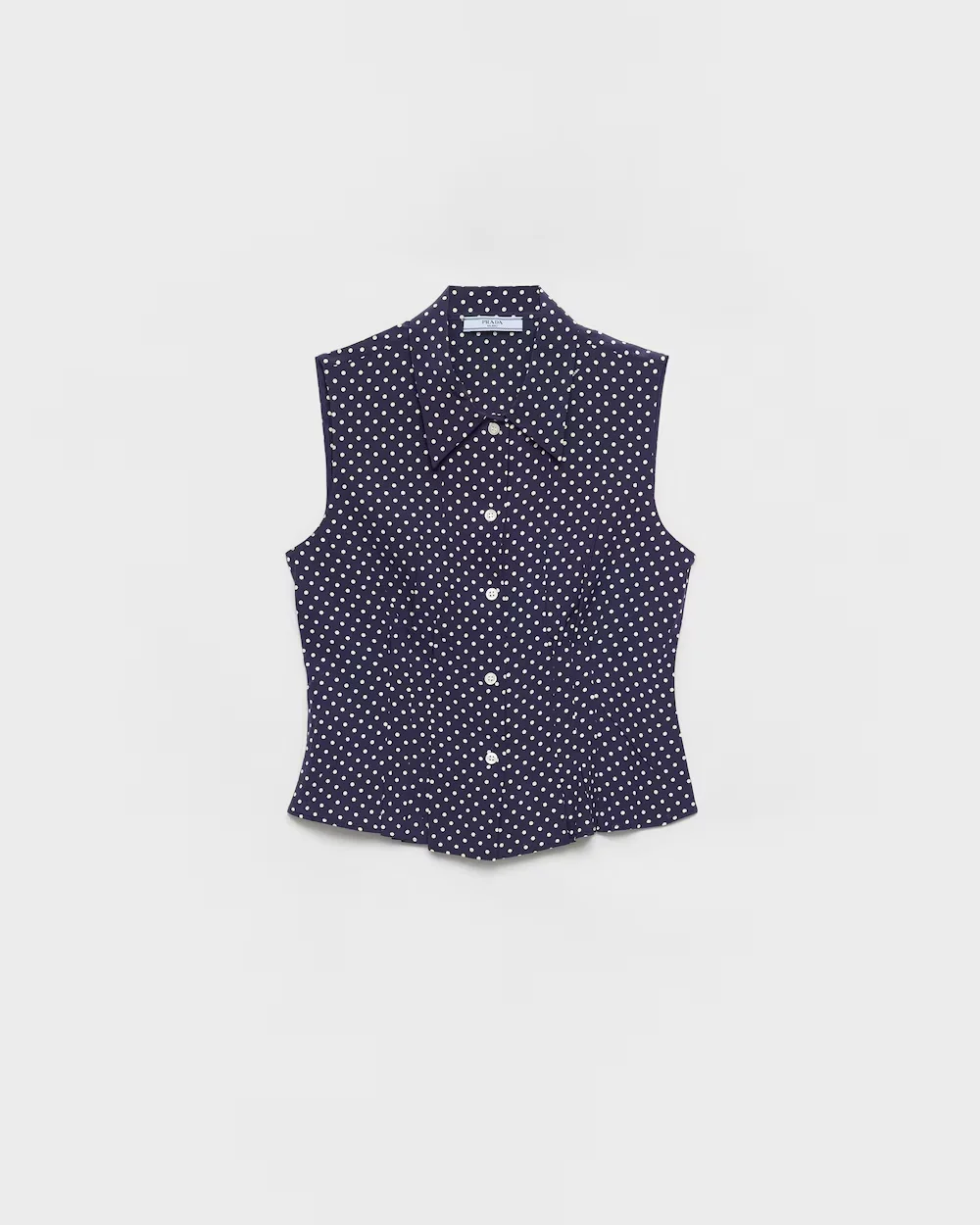
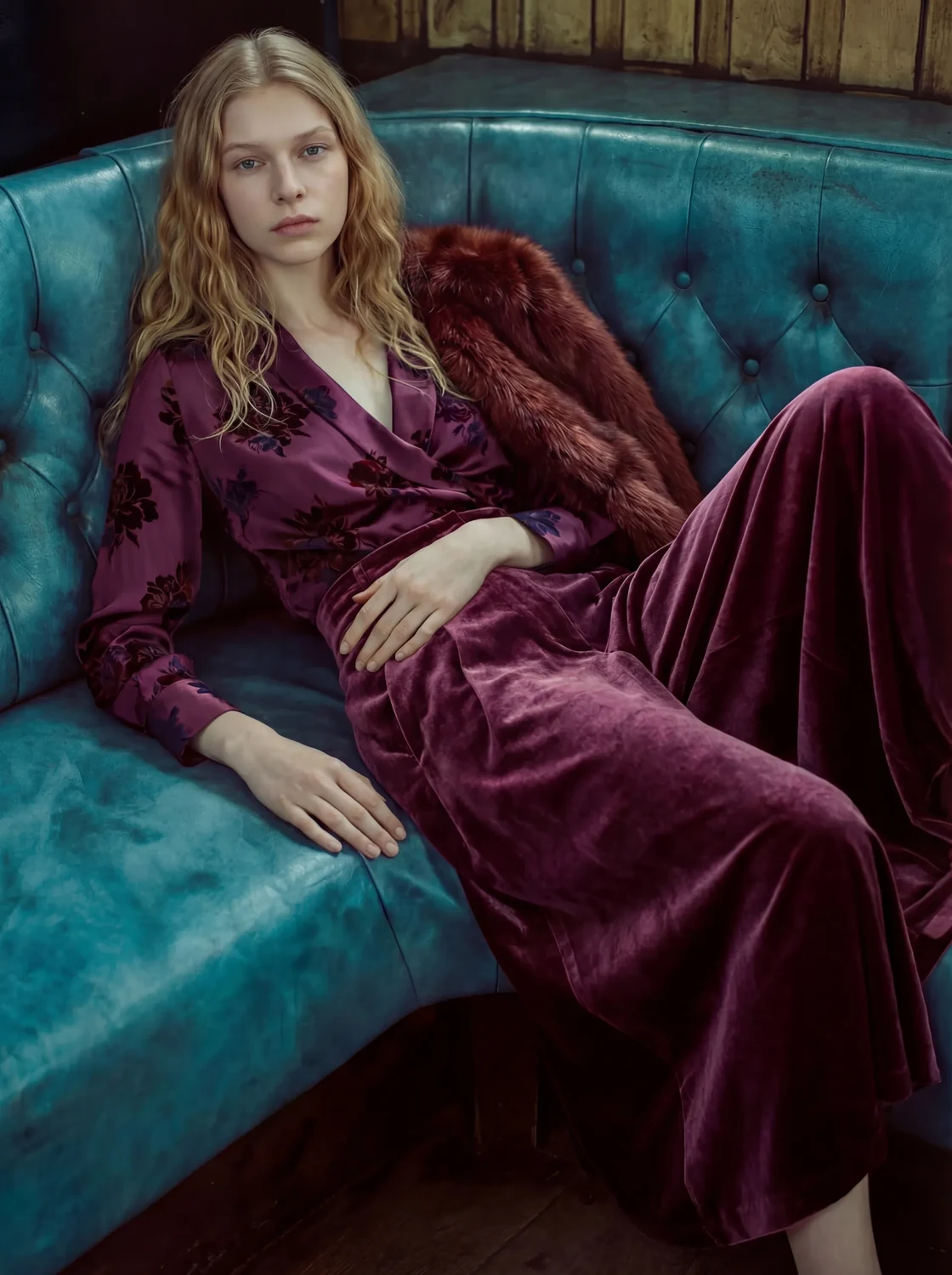
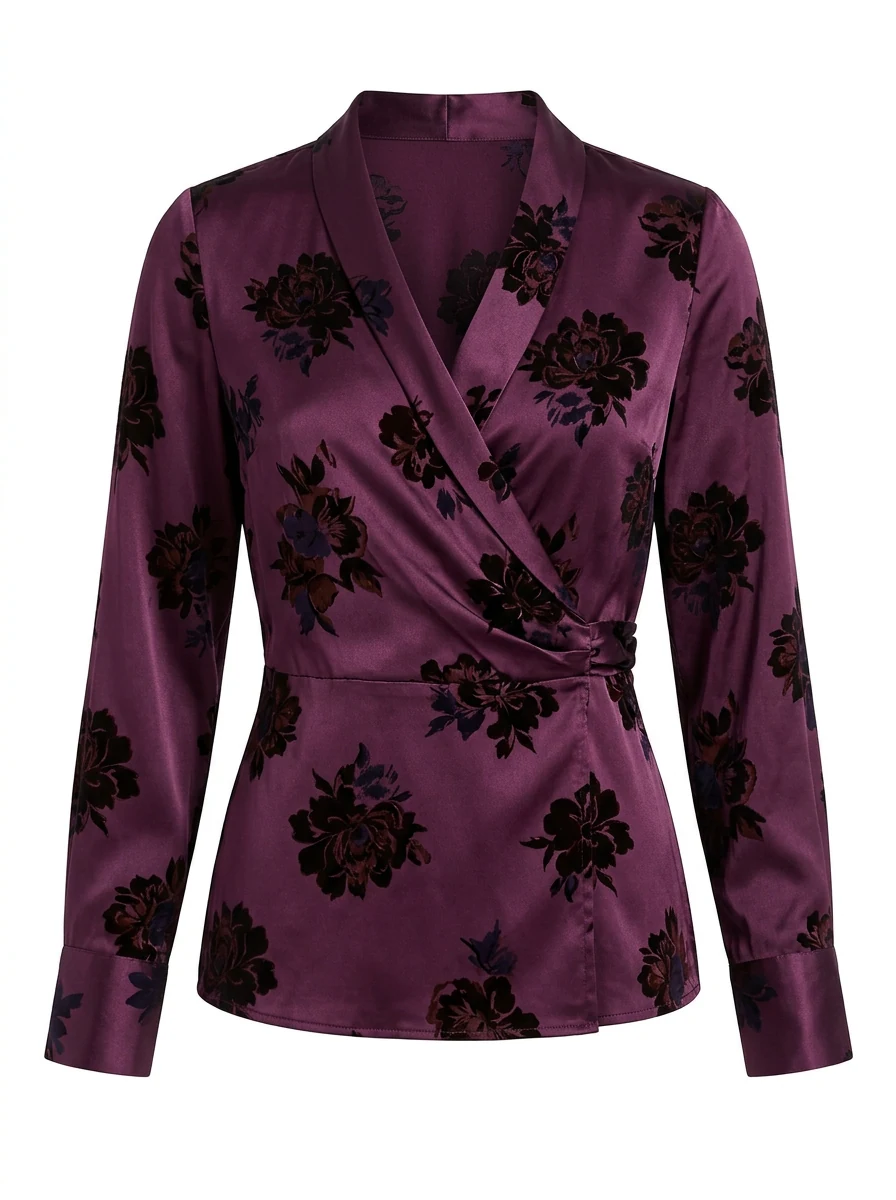
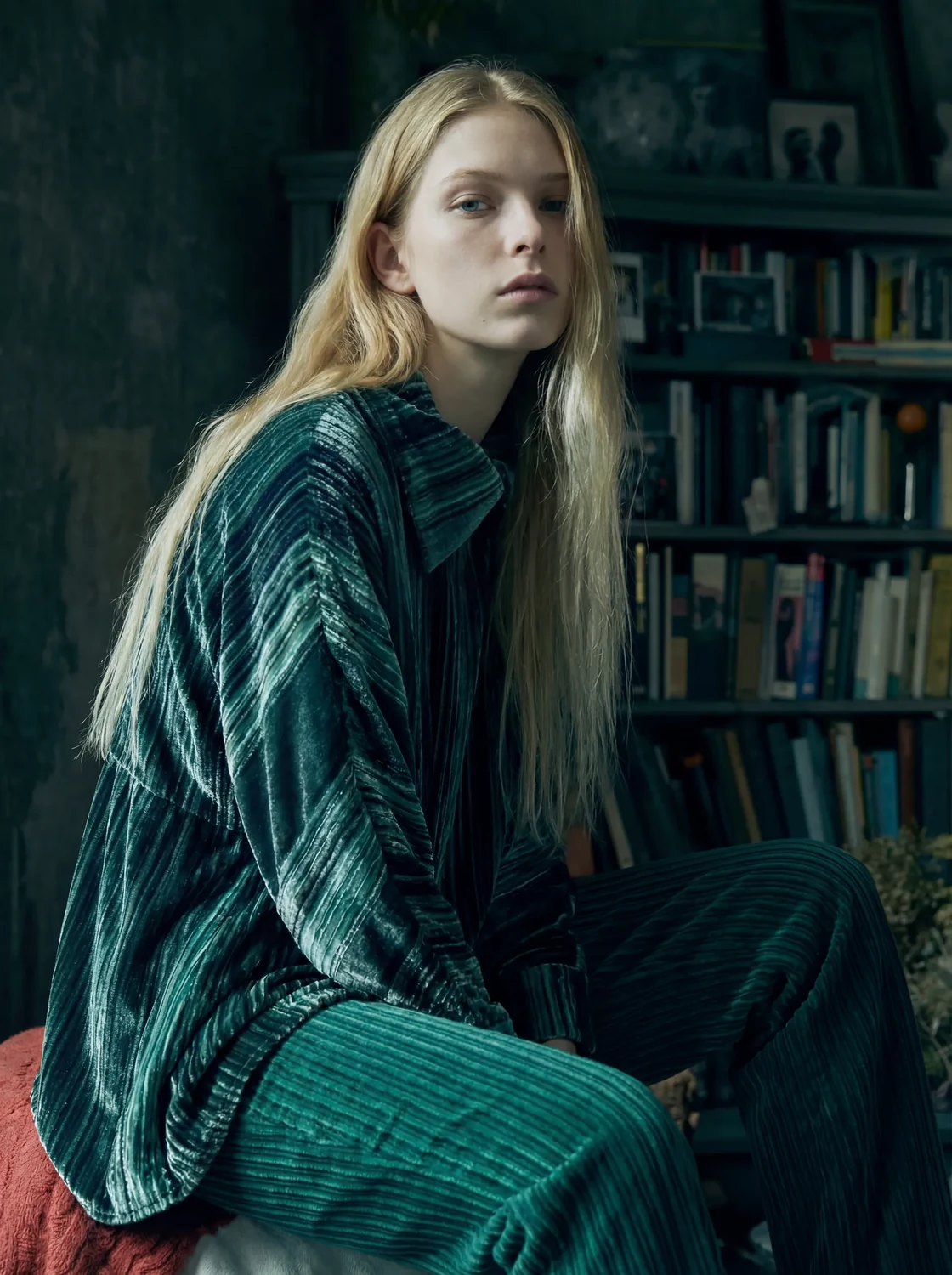
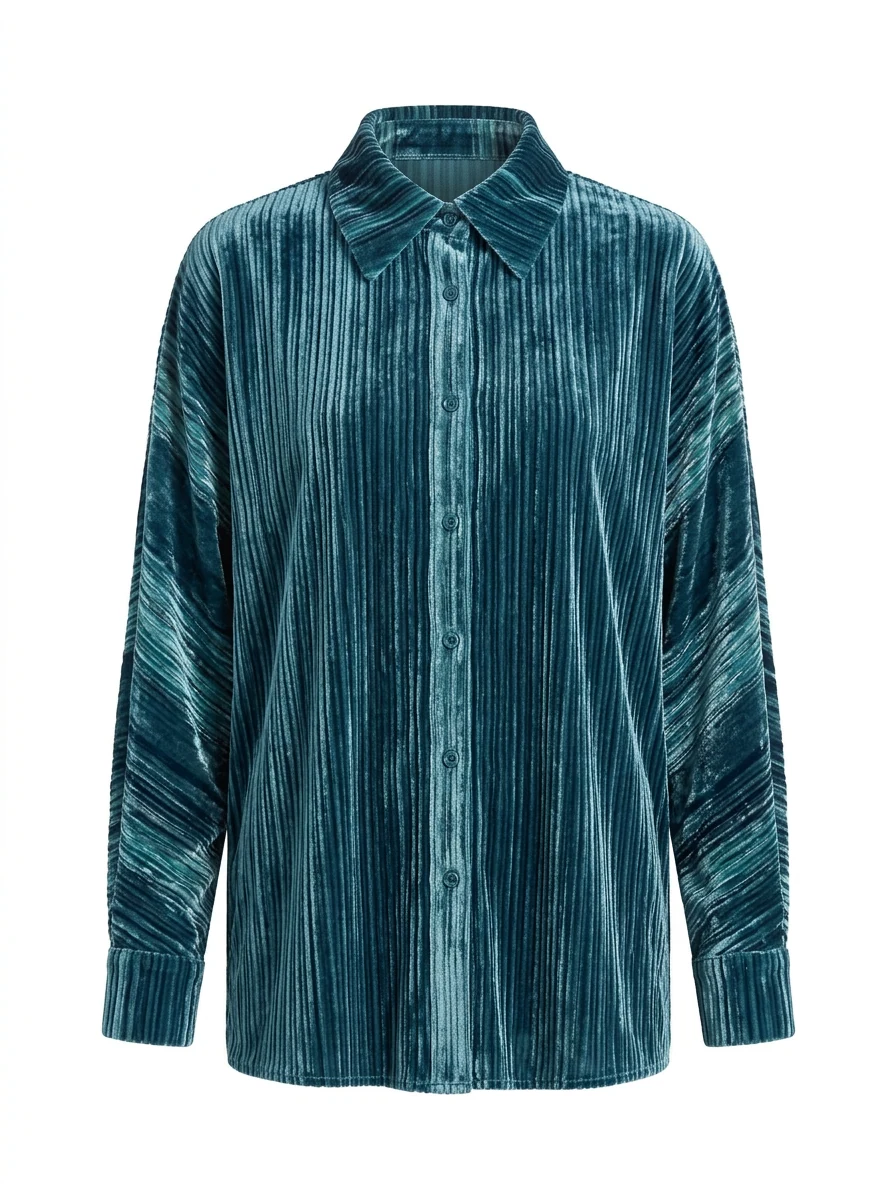
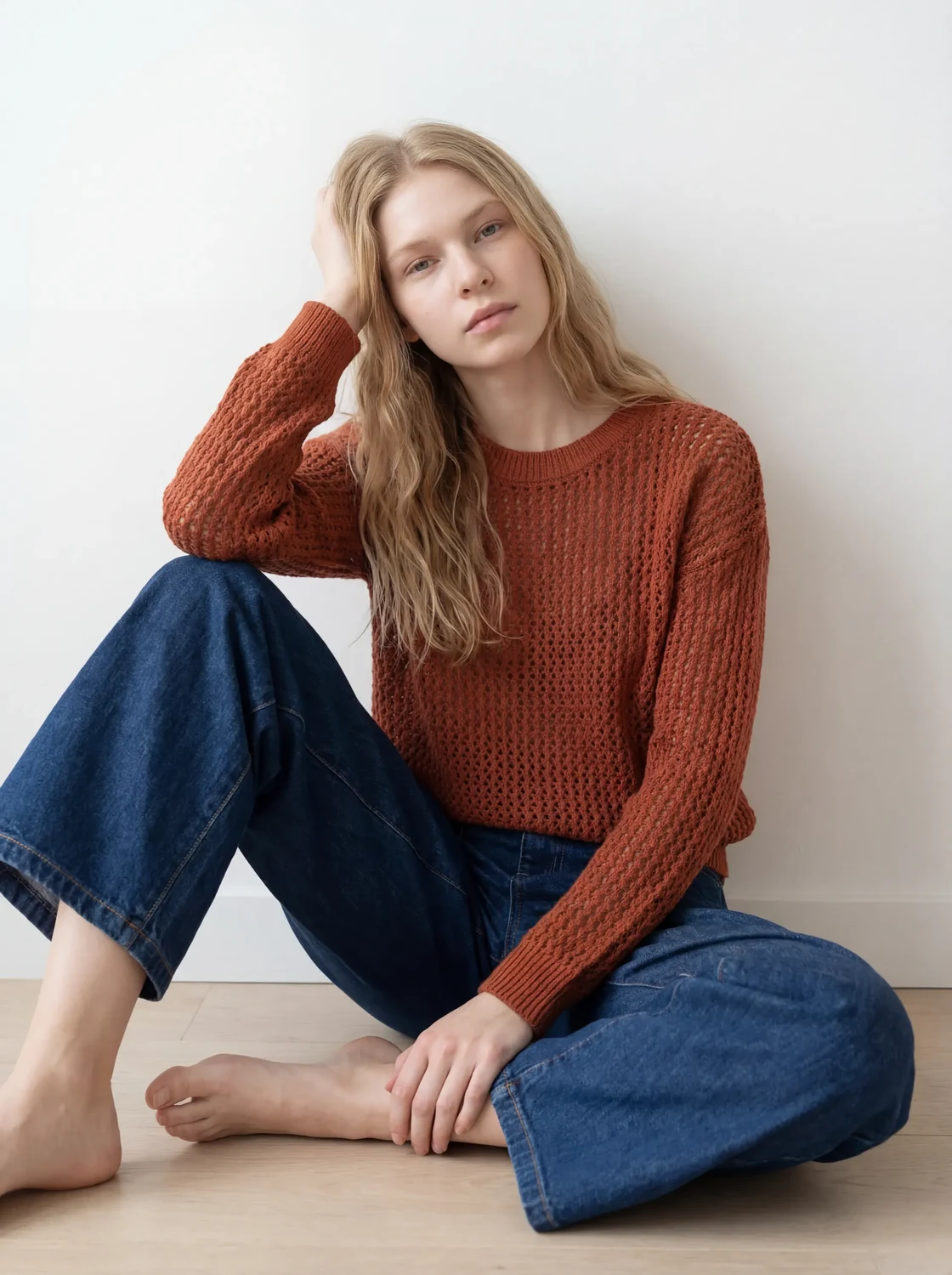
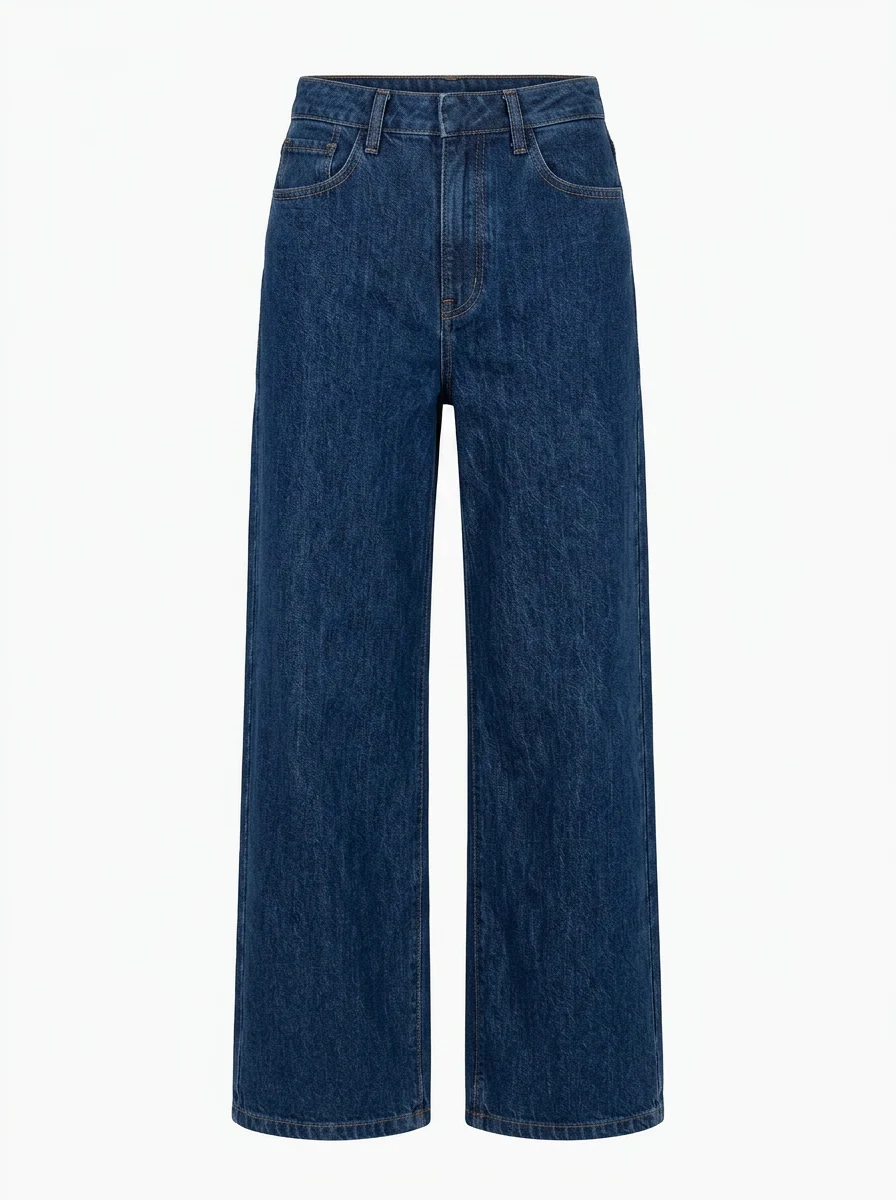
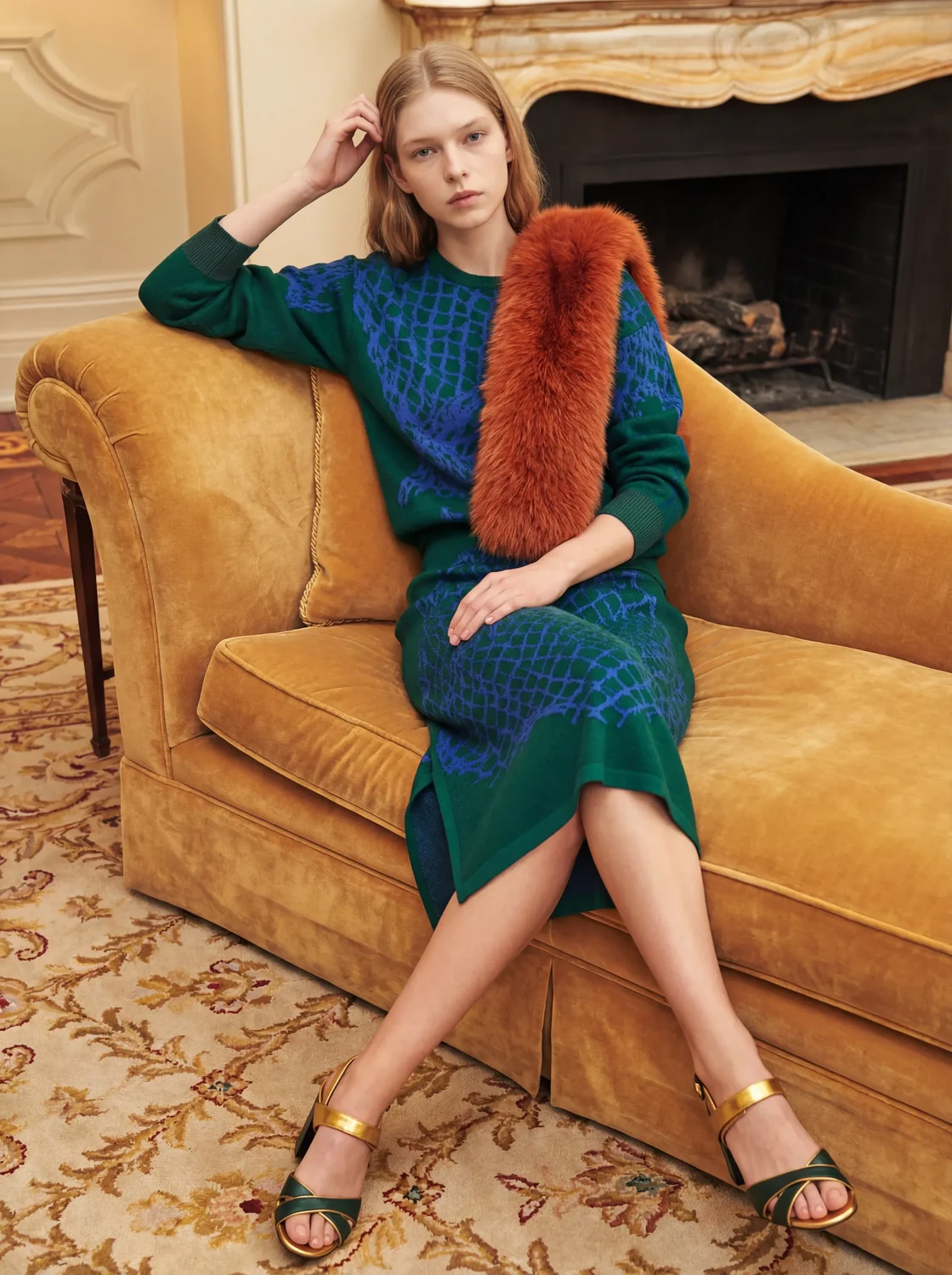
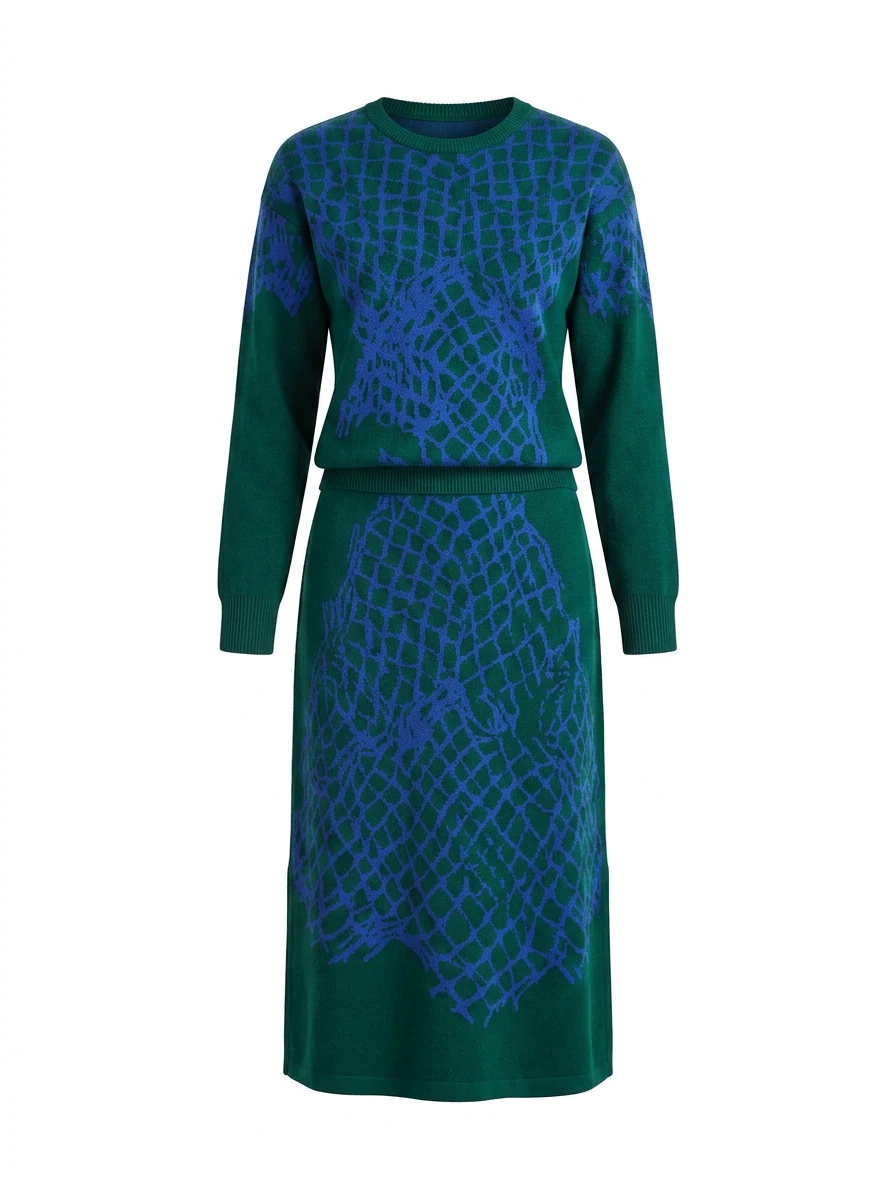
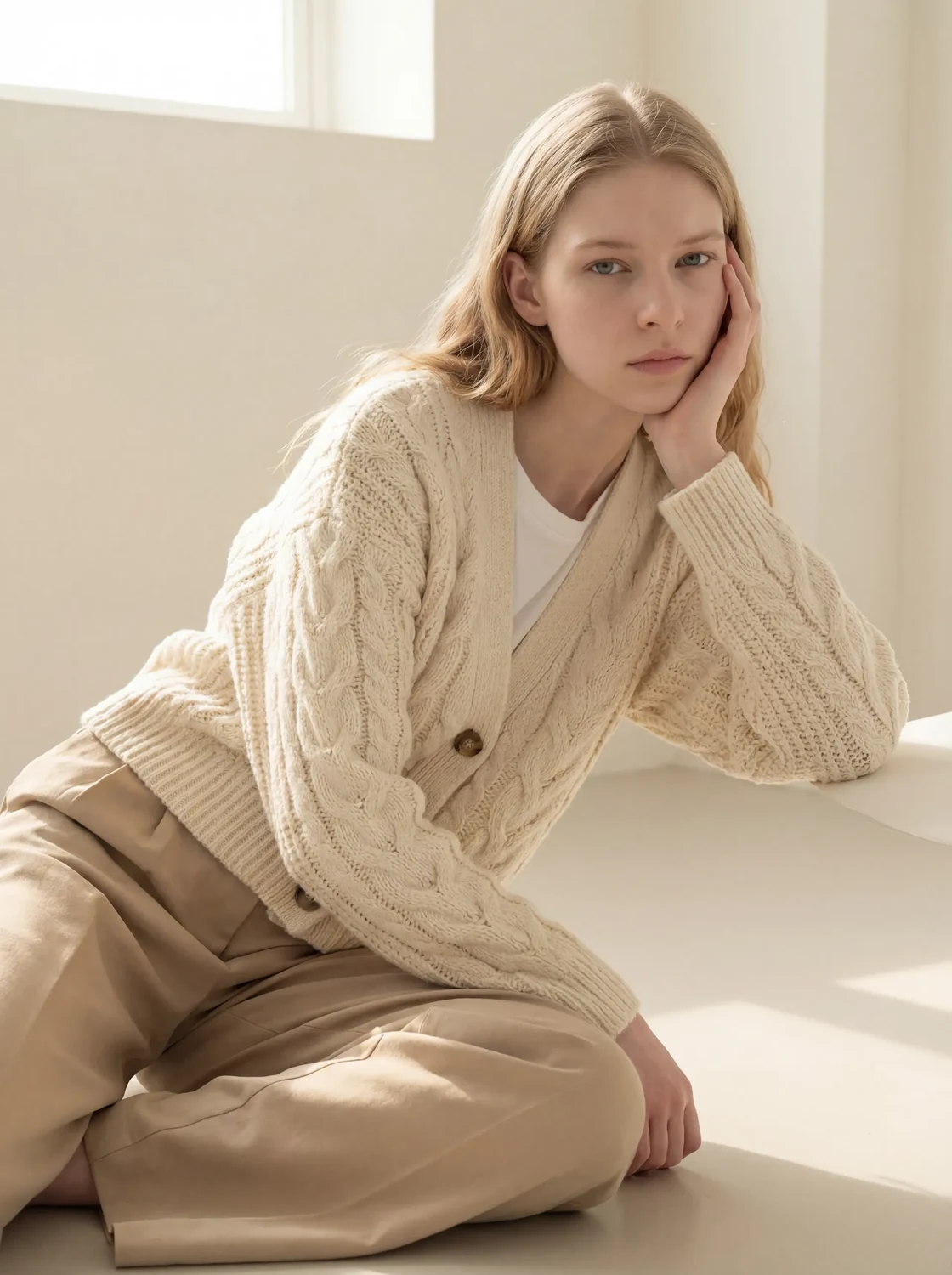
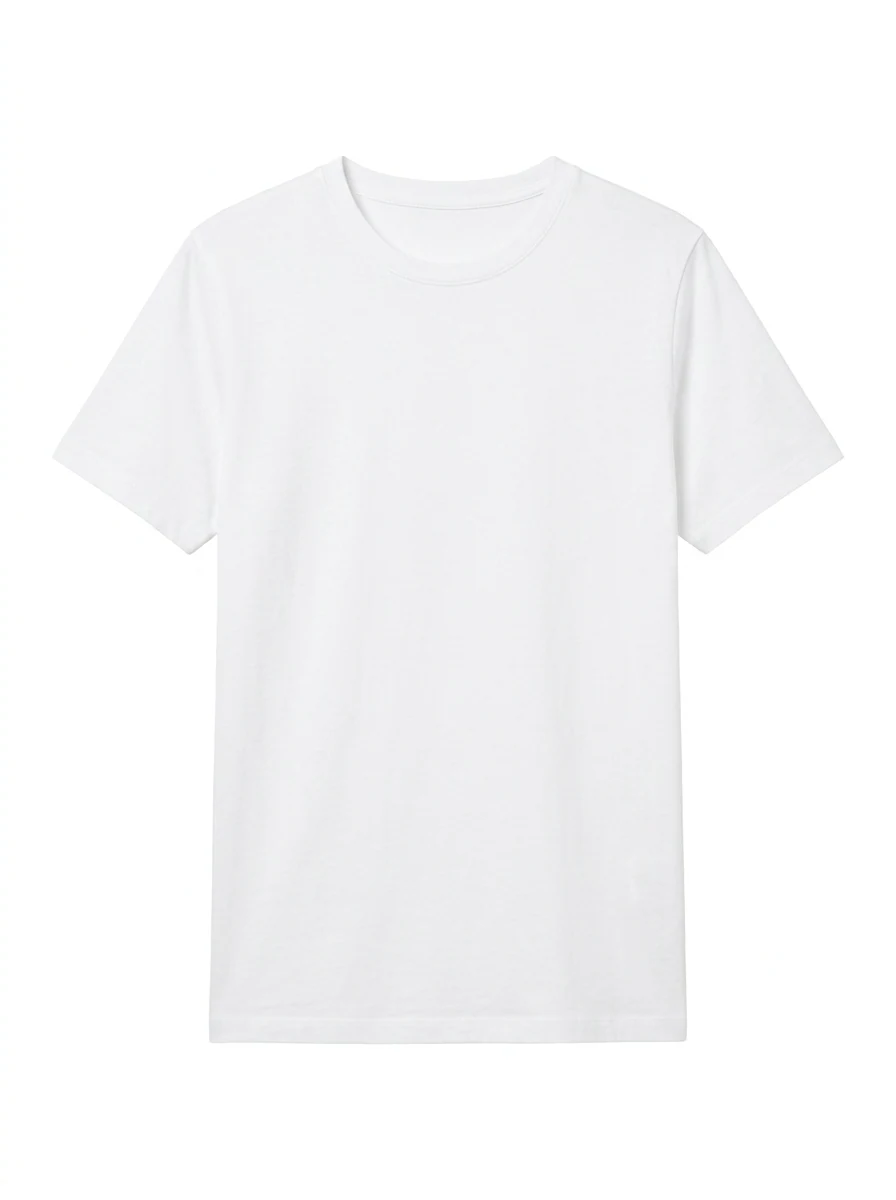
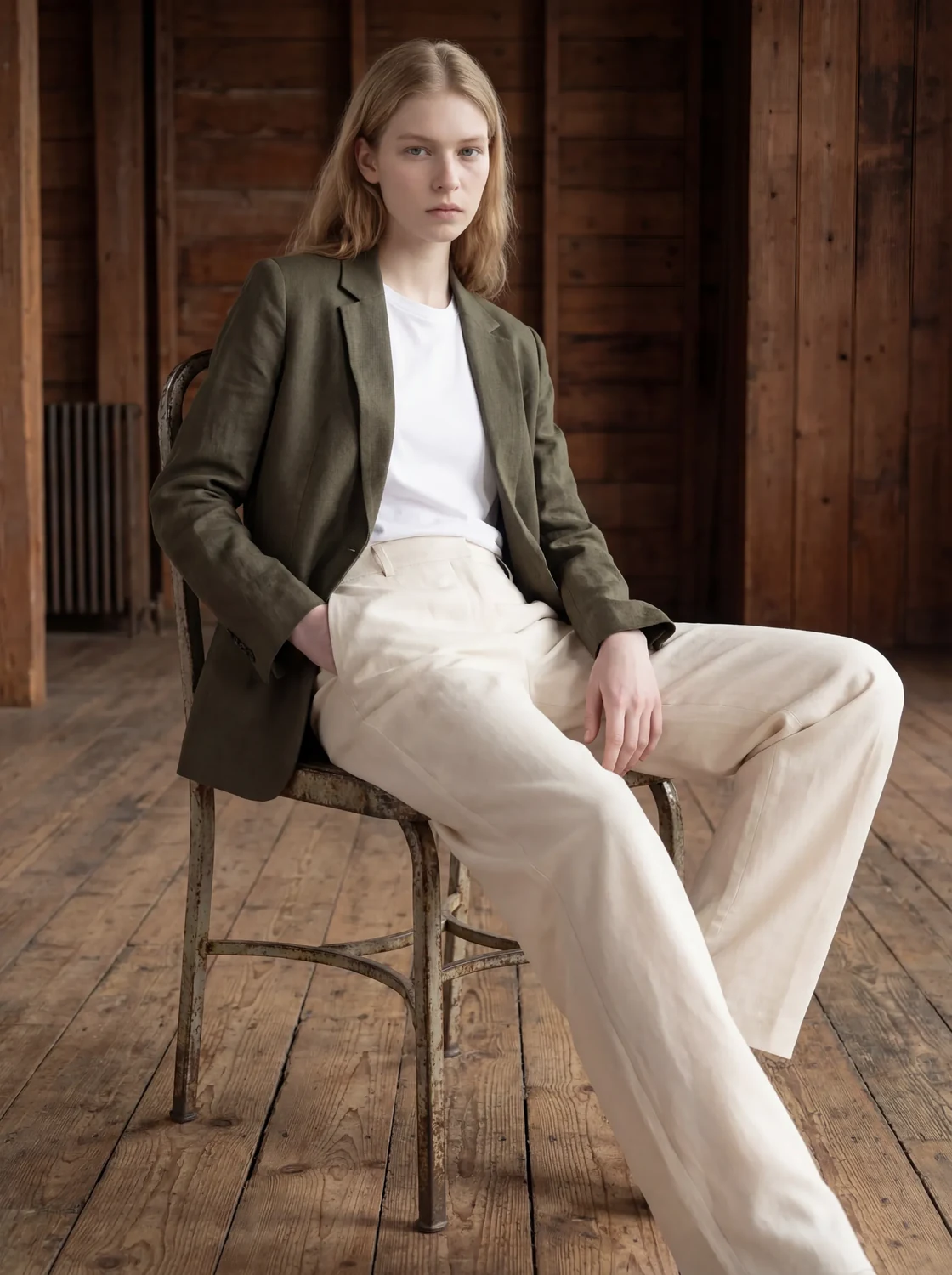
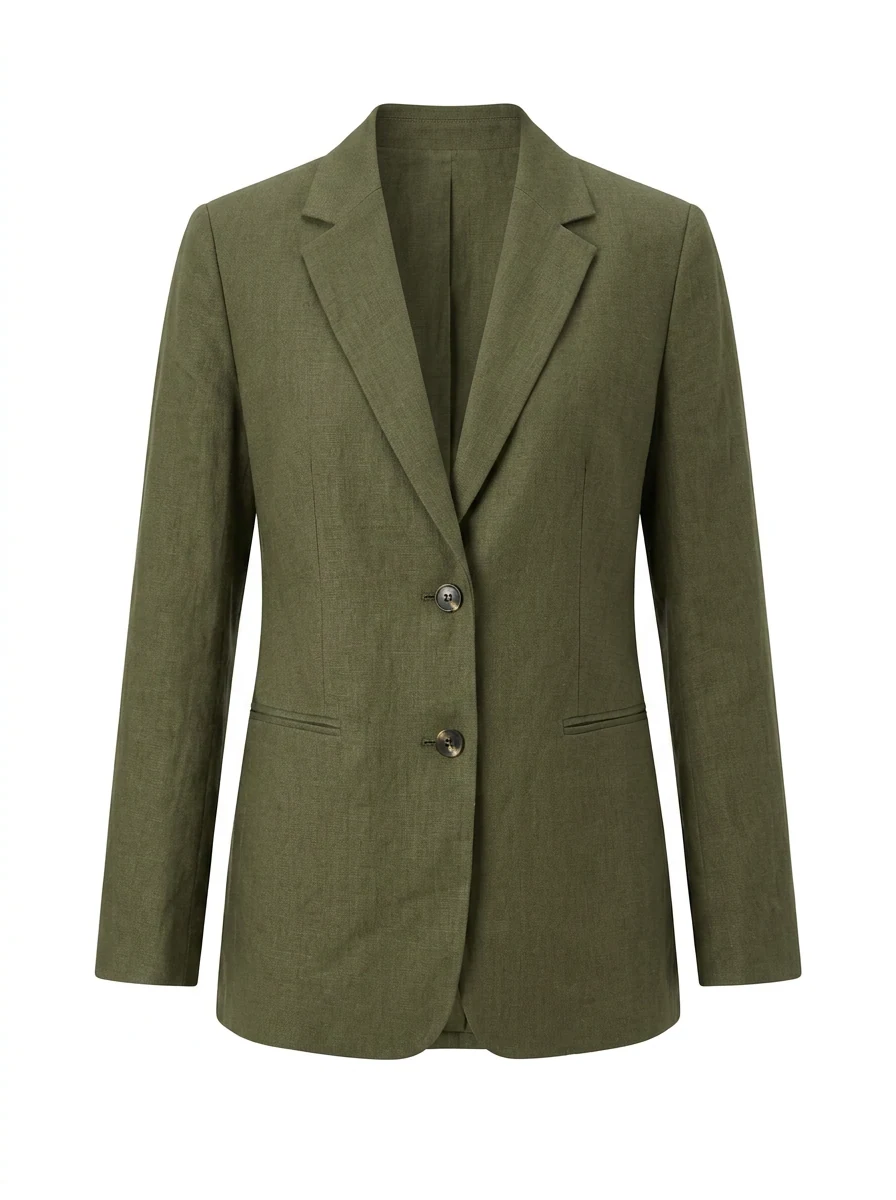
Edit anything
A full range of editing tools.
Introducing · Video Mode
Lookbook
in motion.
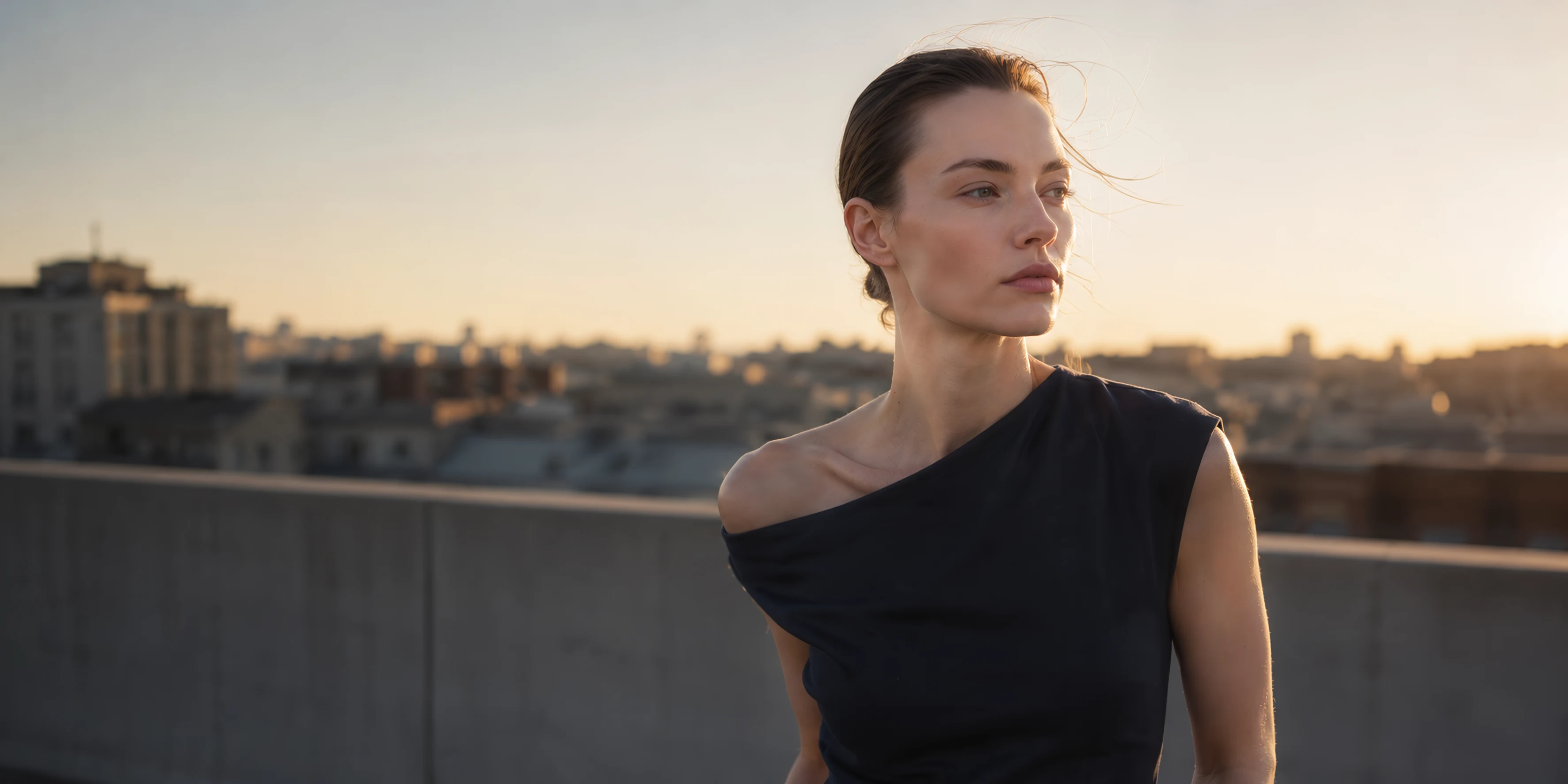
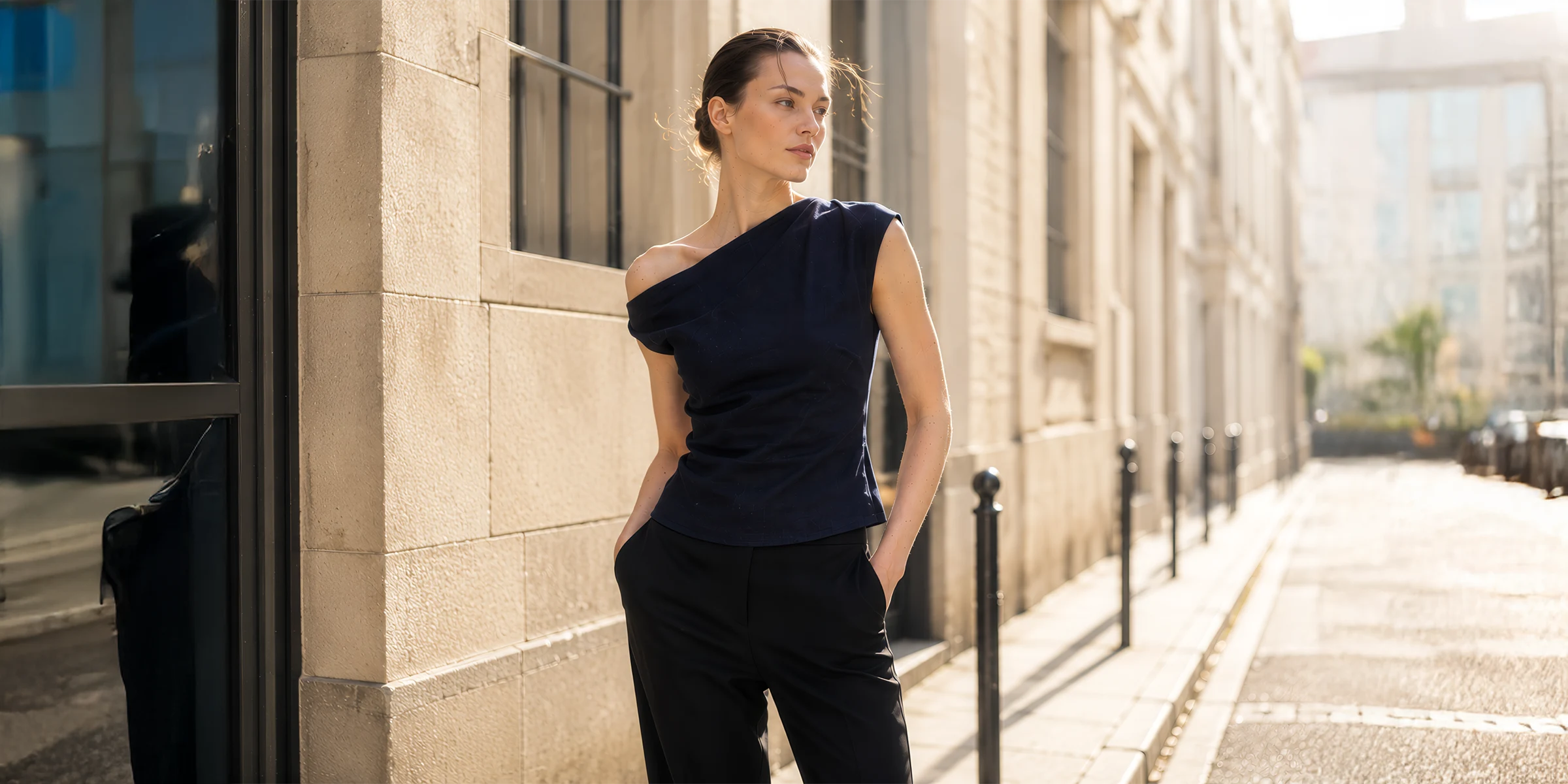
Same model, same outfit — brought to life as video.
Generated in 5 seconds, ready to download.
Ready to Lookbook?
STARTYour lookbook
in one click.
No prompts. No skills. Just your pick.
STEP 01
Pick your mood.
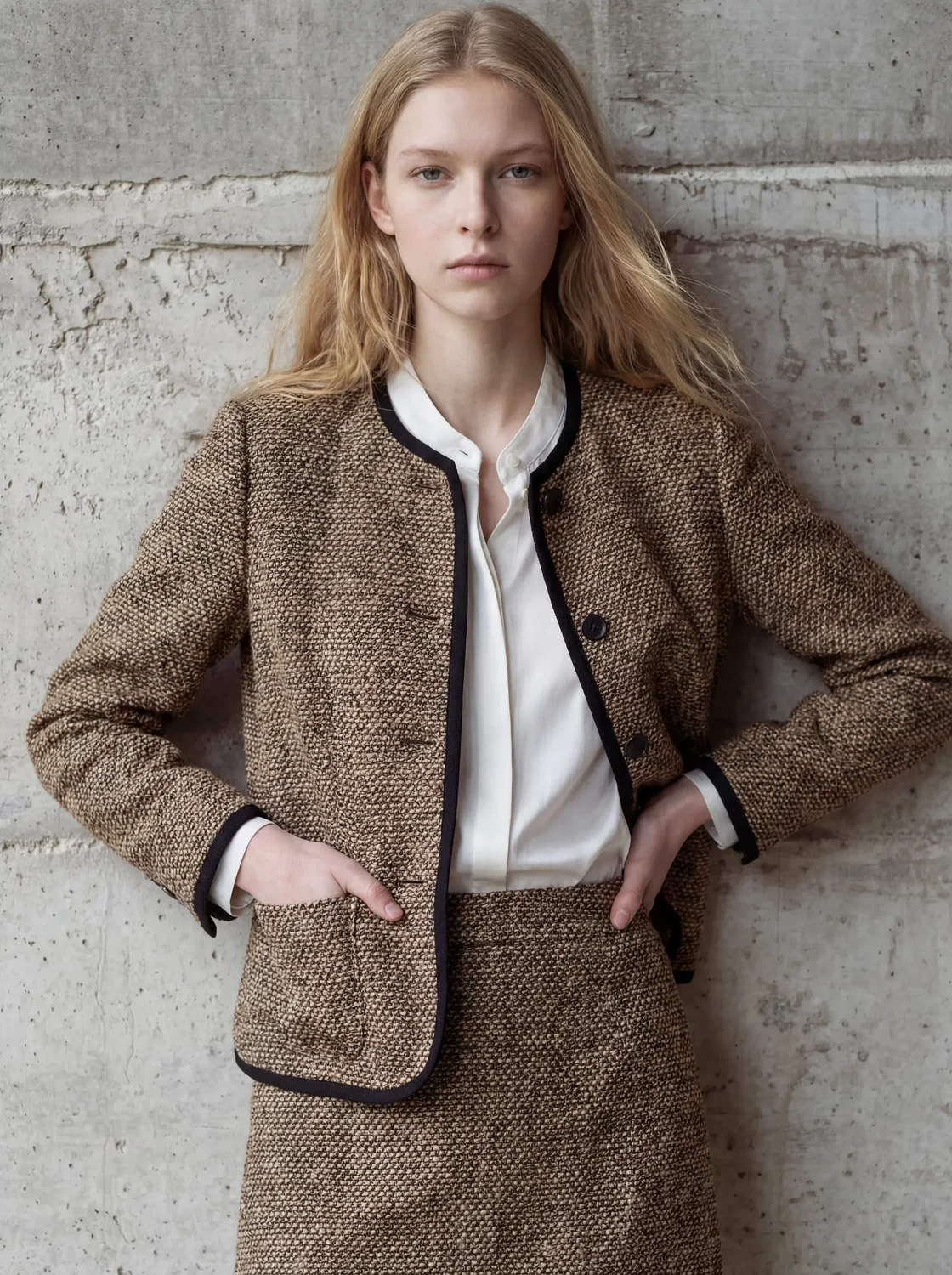
Pick a mood shot you like and the garment, model, and mood slots auto-fill.
STEP 02
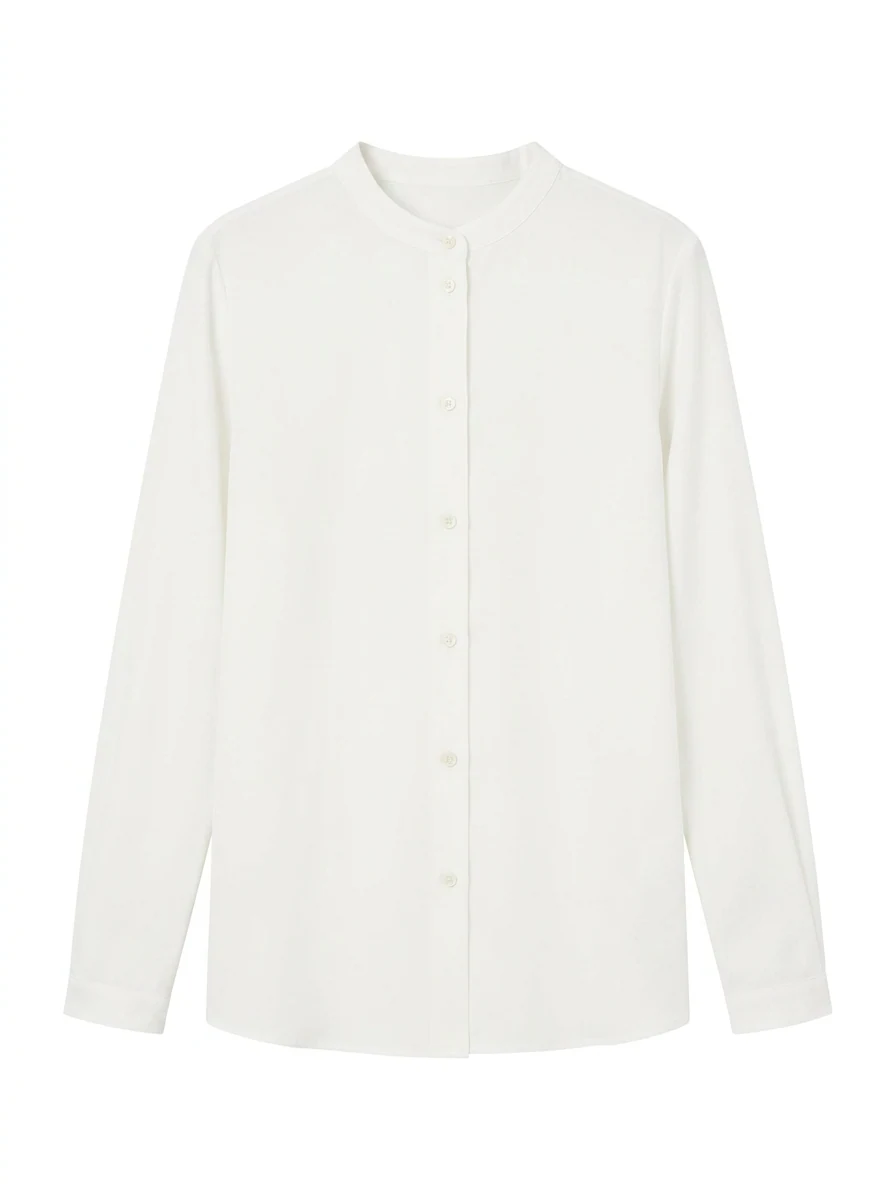
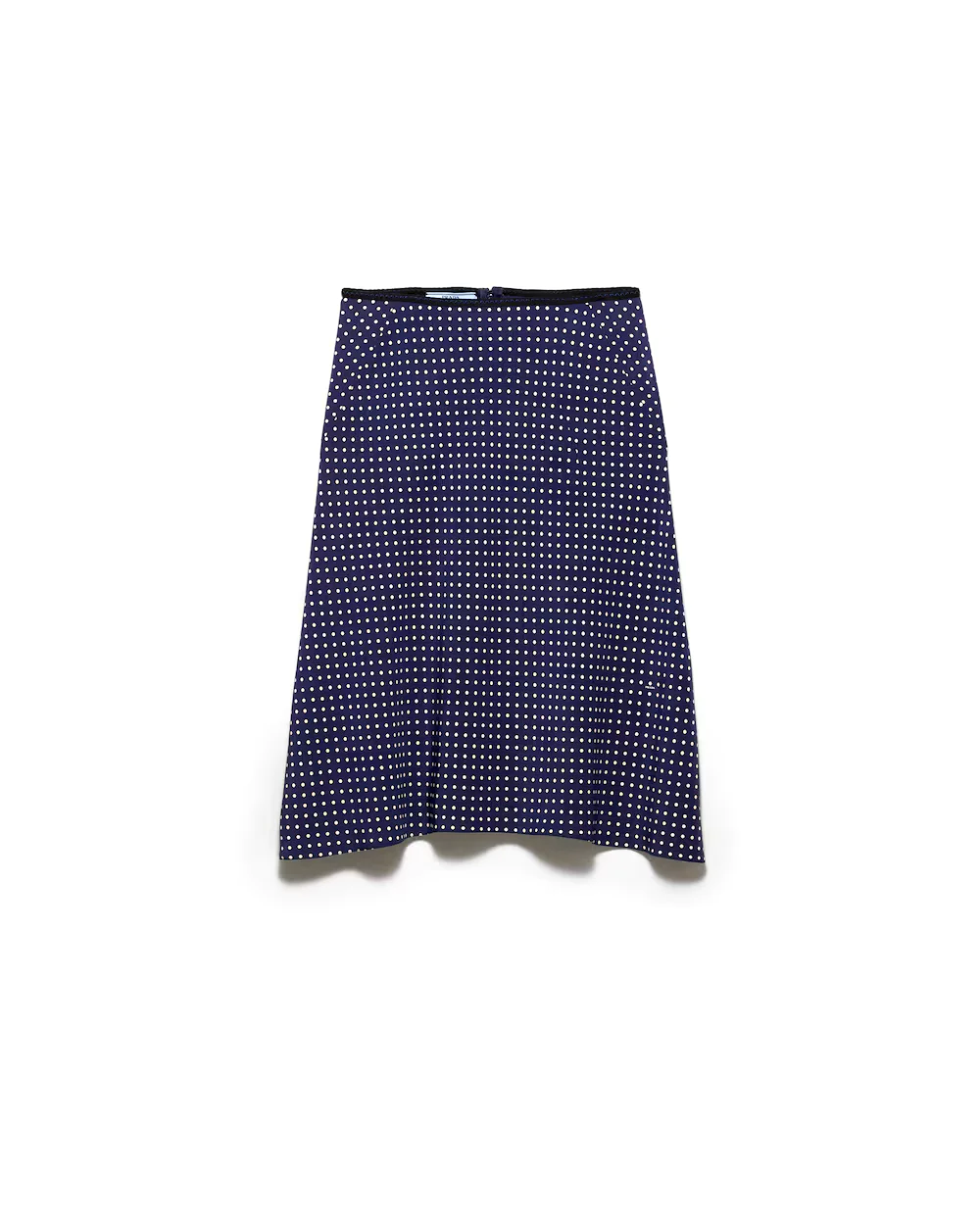
Pick your clothes.
Tap the garment slot to swap in your own clothes.
STEP 03
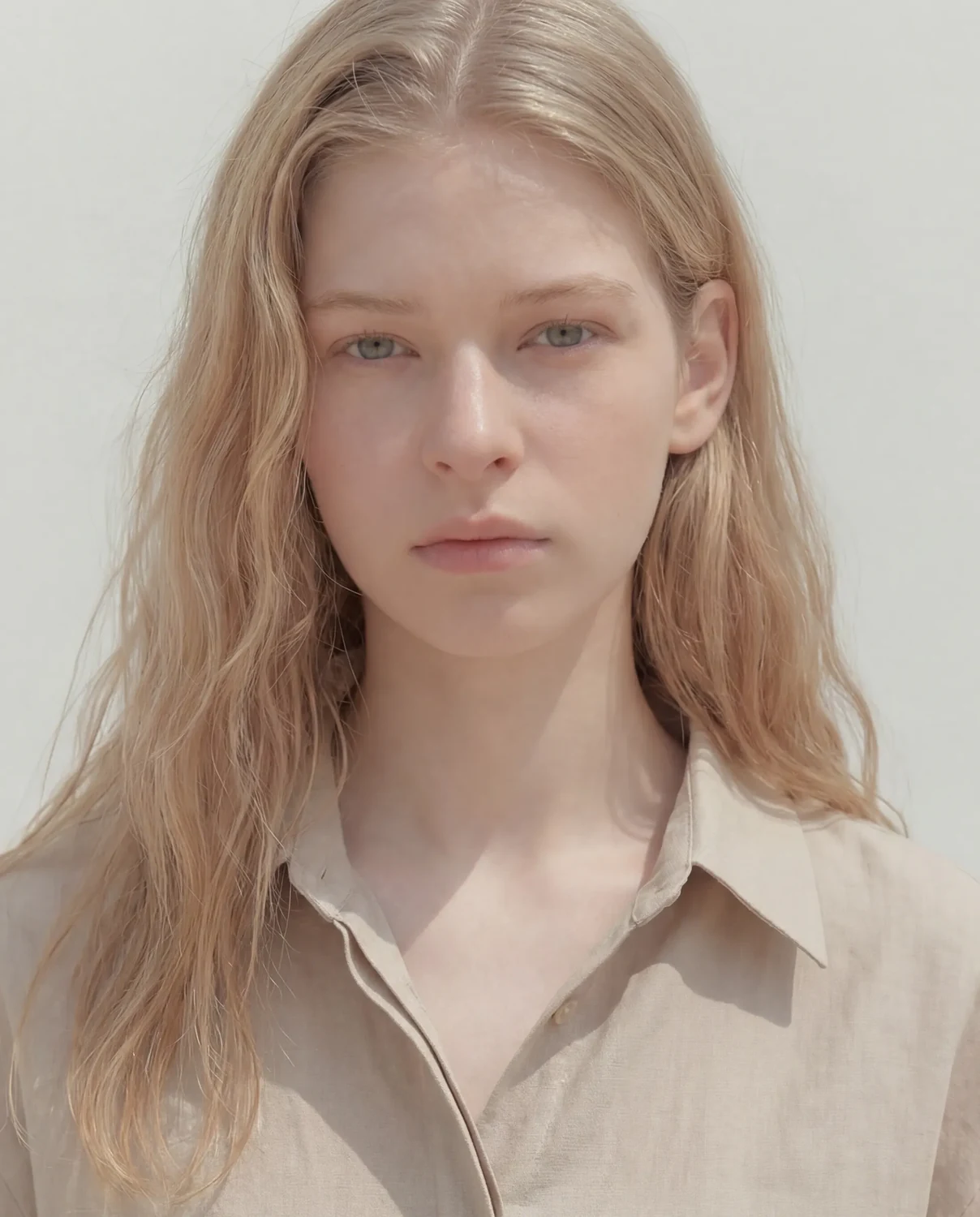
Pick your model.
Tap the model slot to swap in your own model.
STEP 04
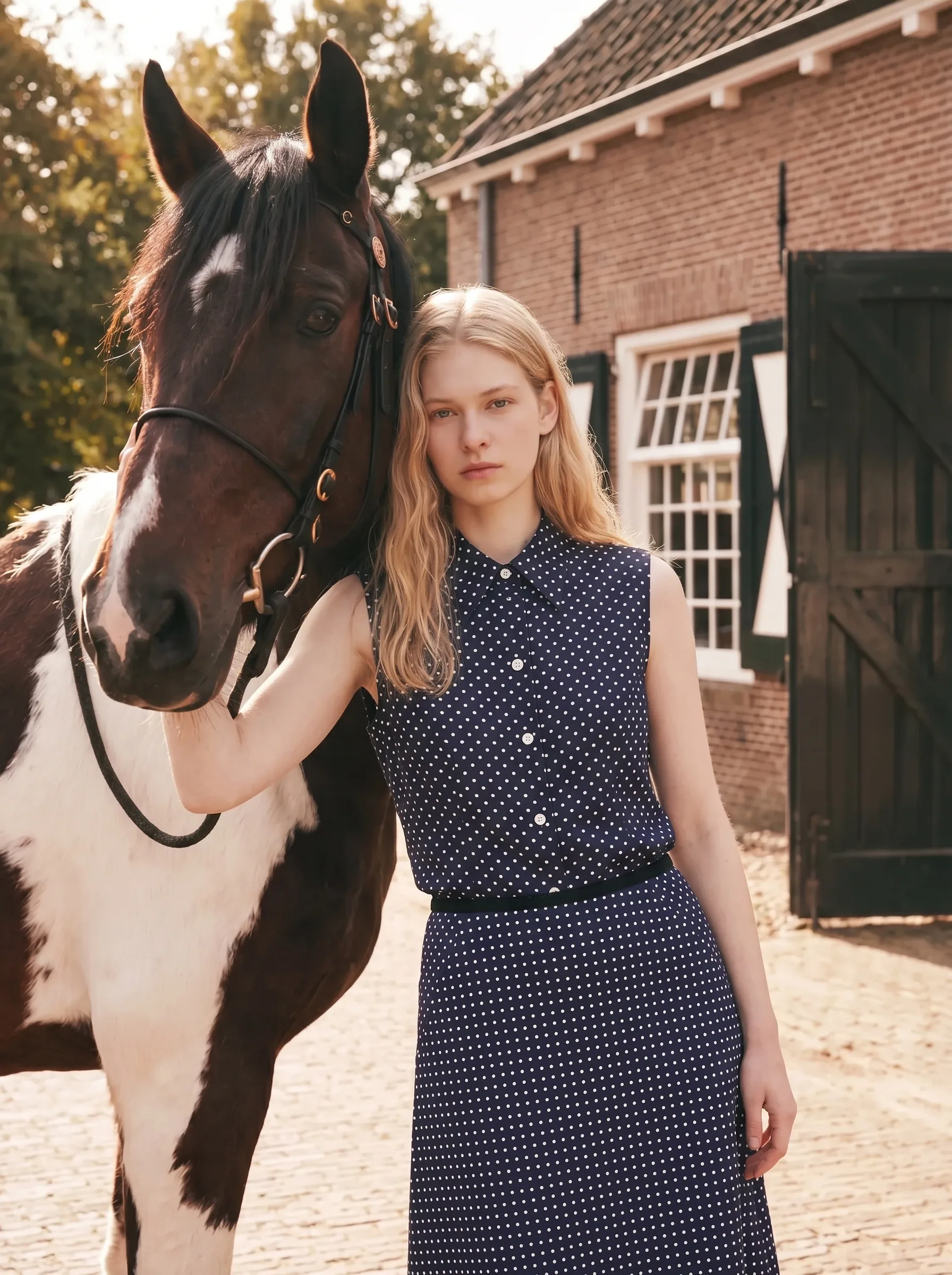
Generate.
One tap of Generate finishes the lookbook shot.
Edit anything
A full range of editing tools.
AI Variation
- Just upload one image
- AI suggests and stages matching scenes
- Done in a click — no setup
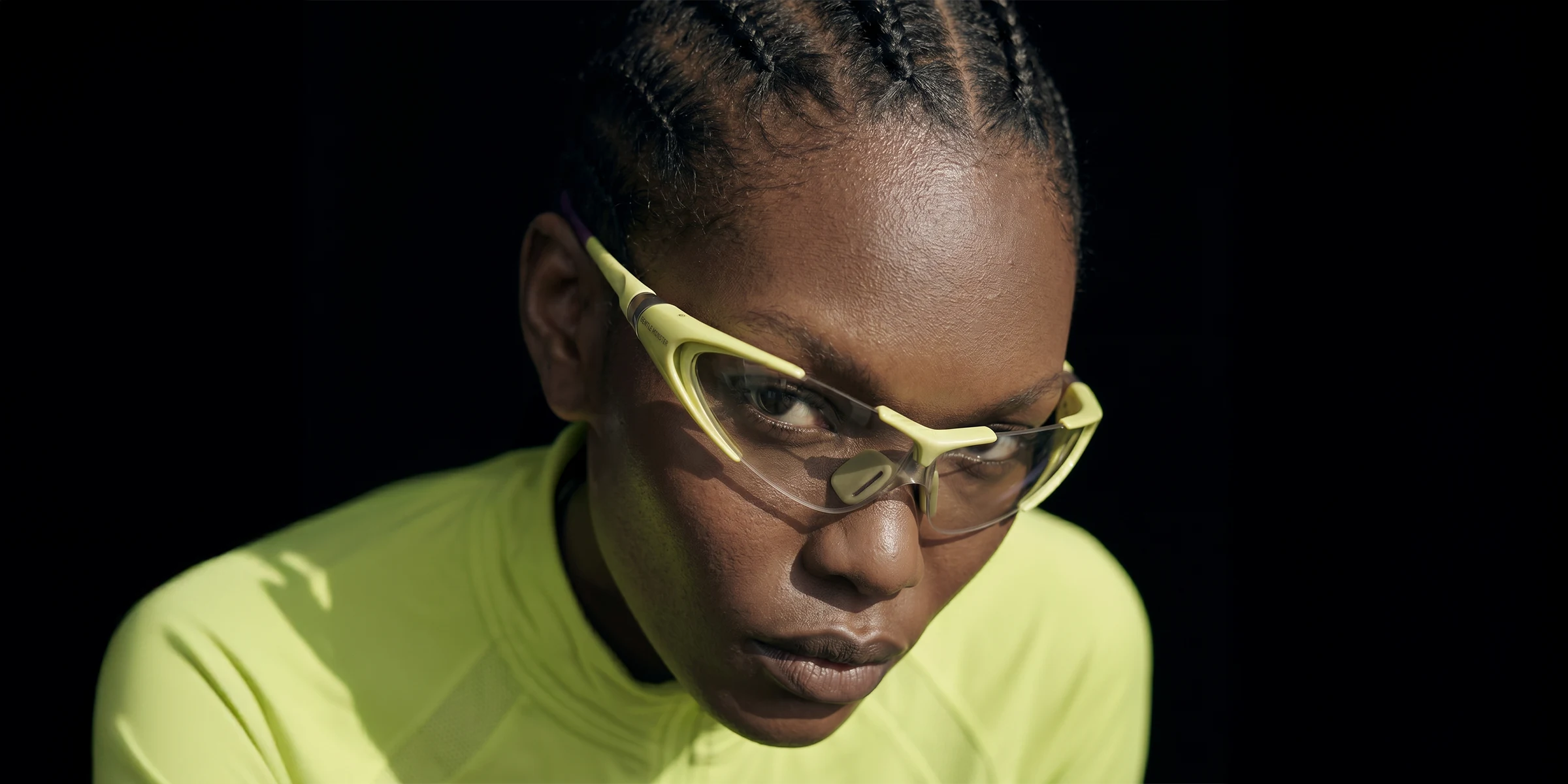
Model Change
- Swap the face for your own model
- Keep the clothes, pose, and background
- One shot, many model versions
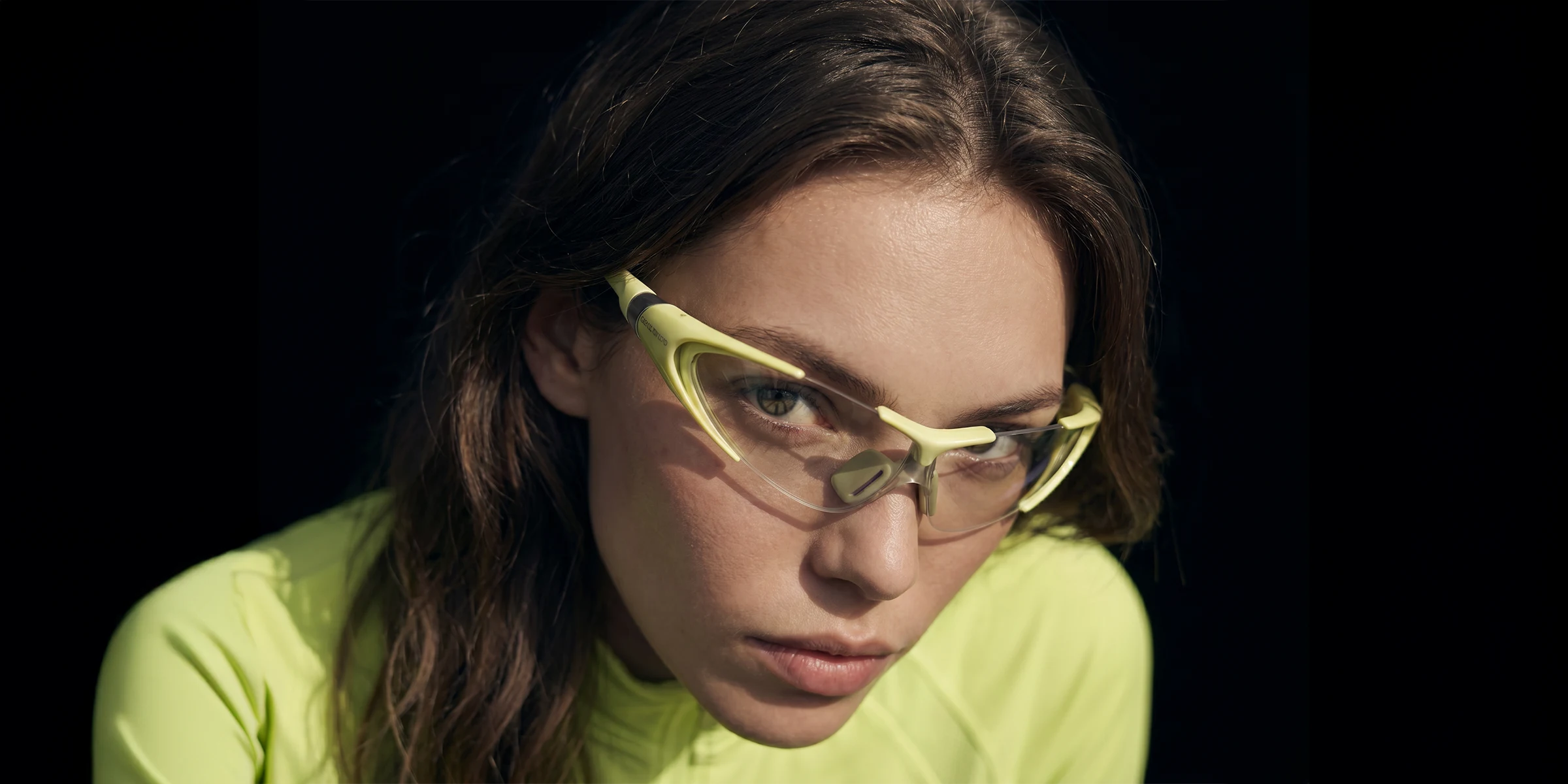
View Change
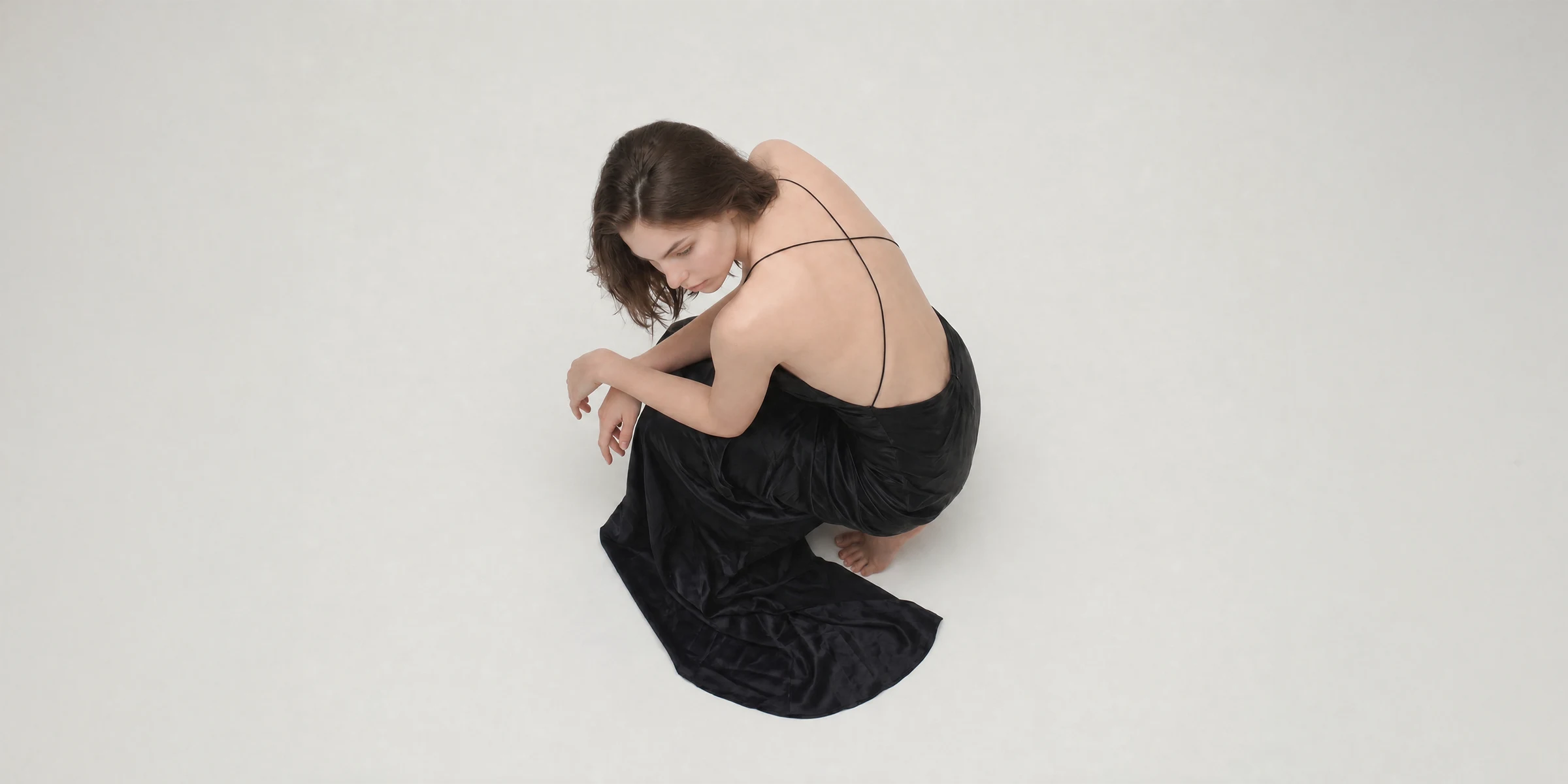
- Same look, different camera angle
- Close-up, full shot, side shot — freely
- A full editorial sequence from one shot
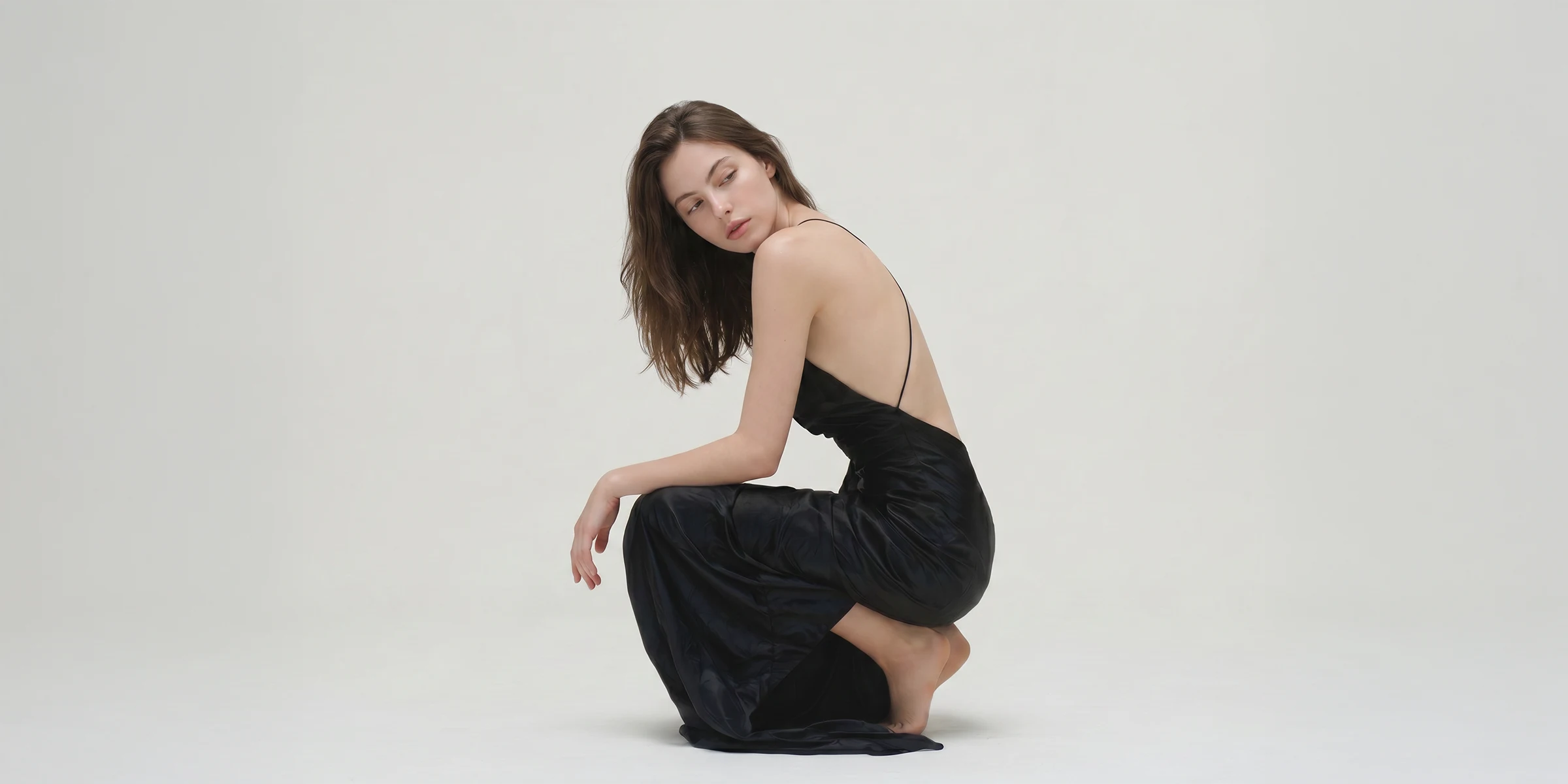
Light Change
- Daylight, studio, or golden hour
- Same mood, a different quality of light
- Shift season and campaign tone freely
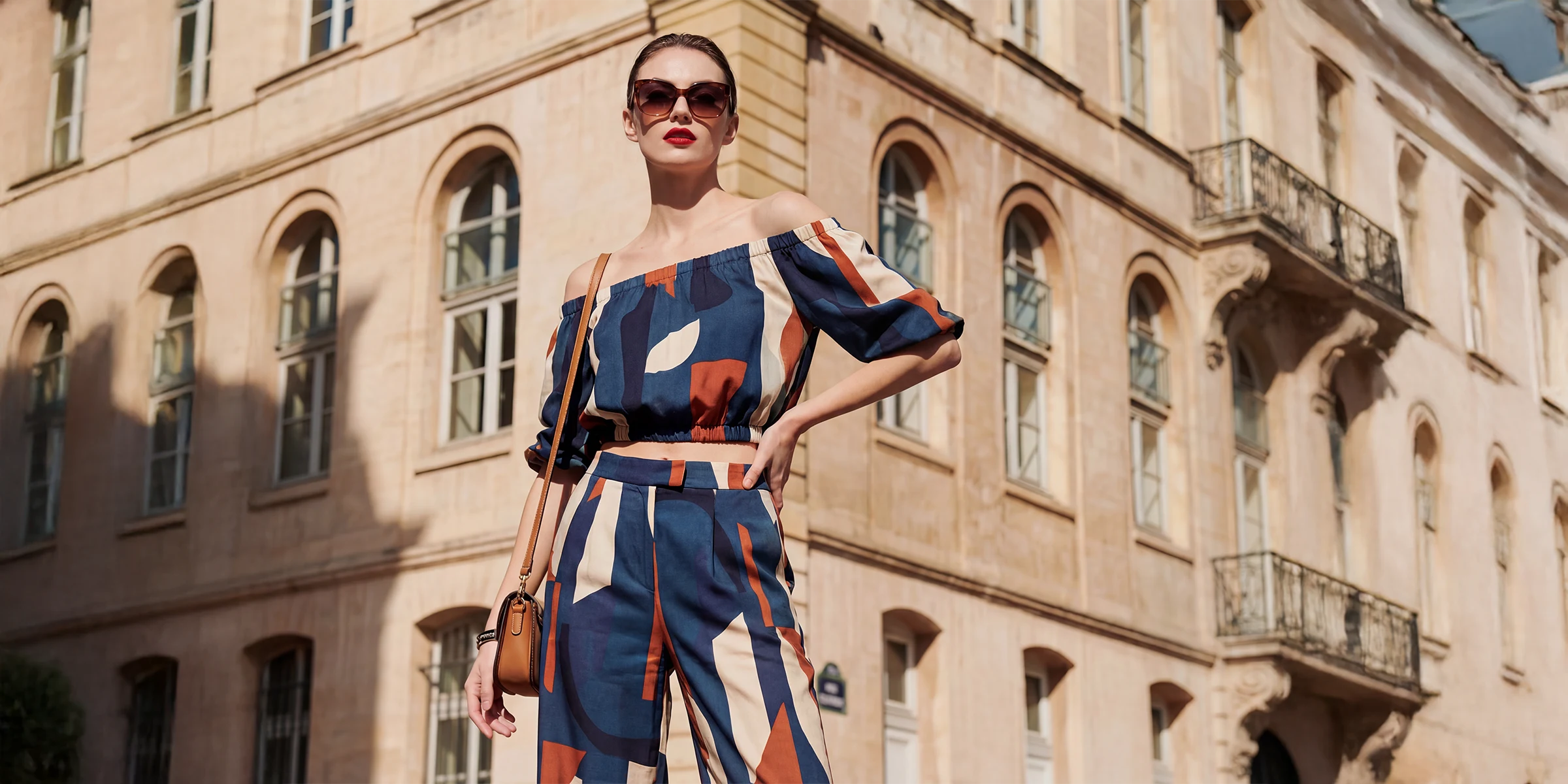
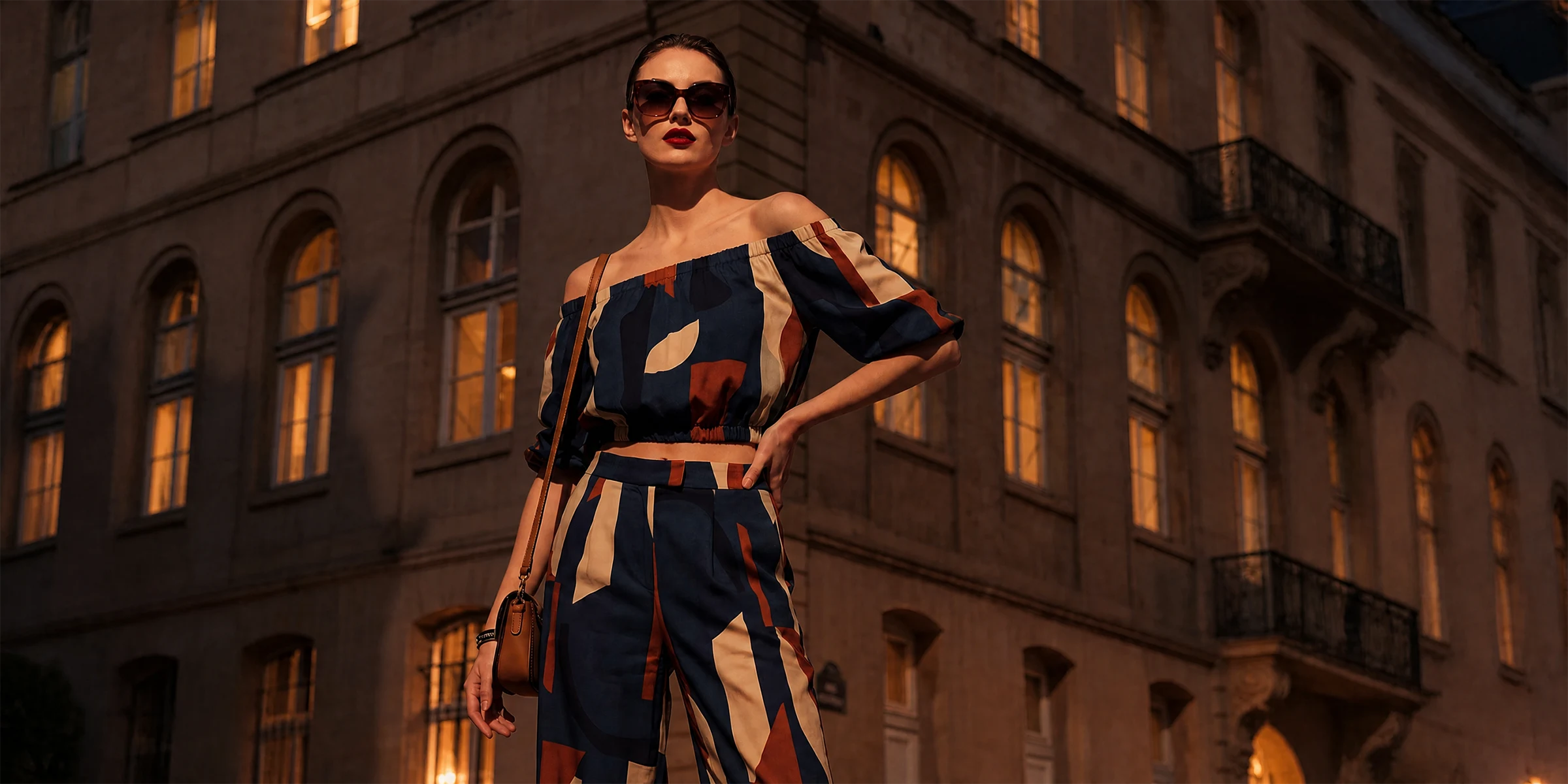
Pose Change
- Same look, a new pose
- Fix awkward hands and posture
- Multiply your shots from one shoot
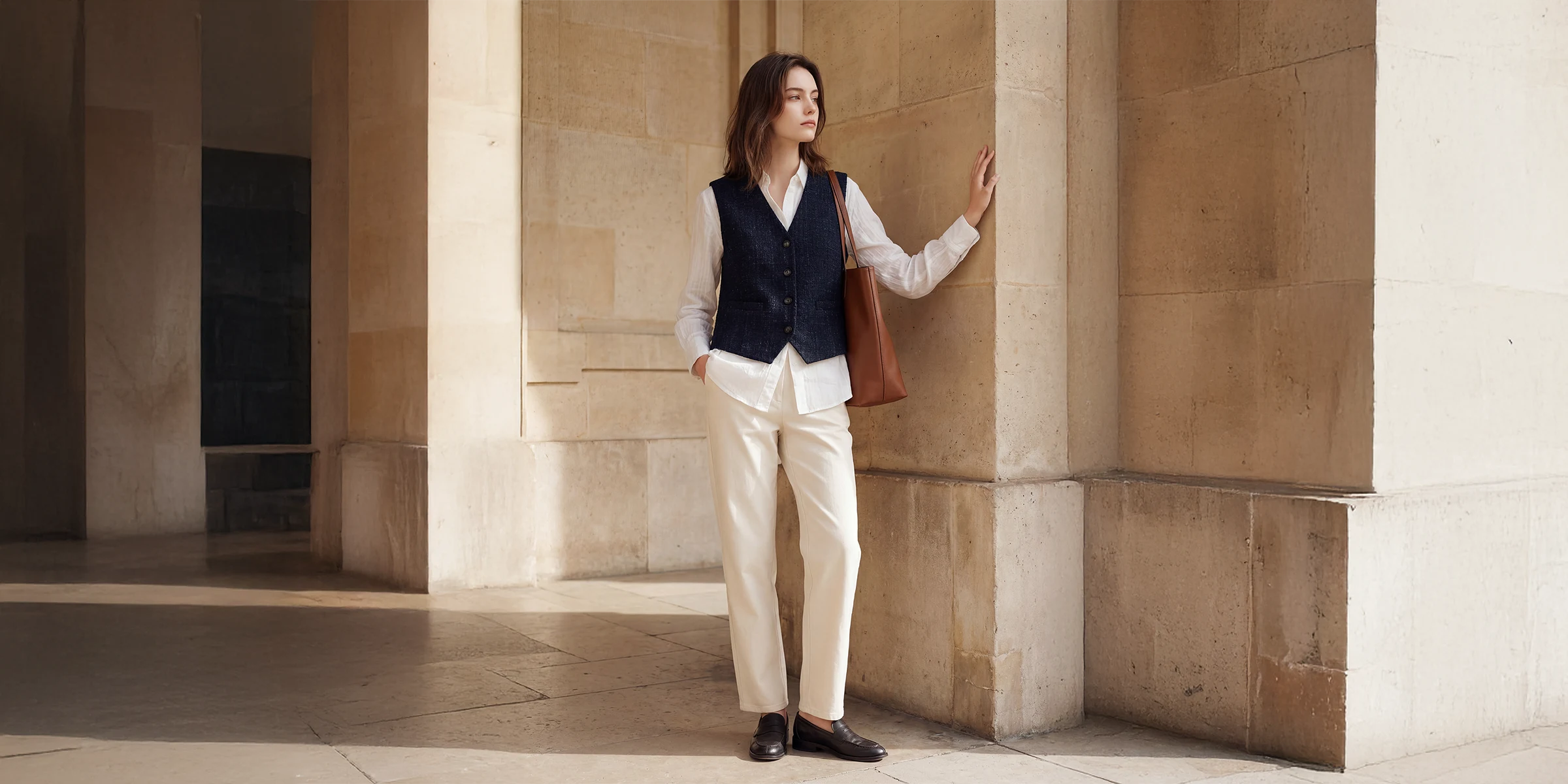
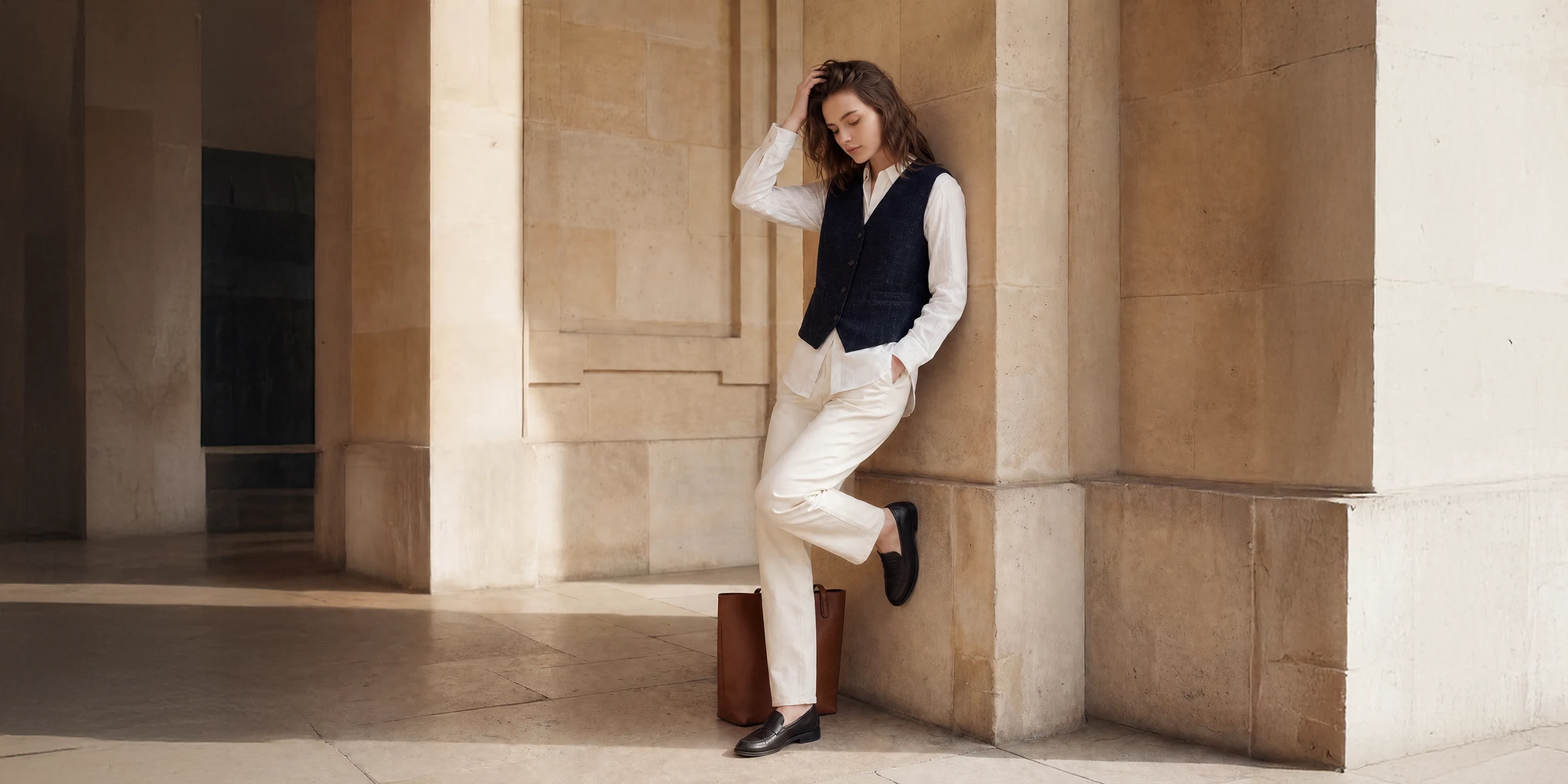
Extend
- Open up a tight crop
- Extend up, down, left, right — endlessly
- Fits every social, banner, and print ratio
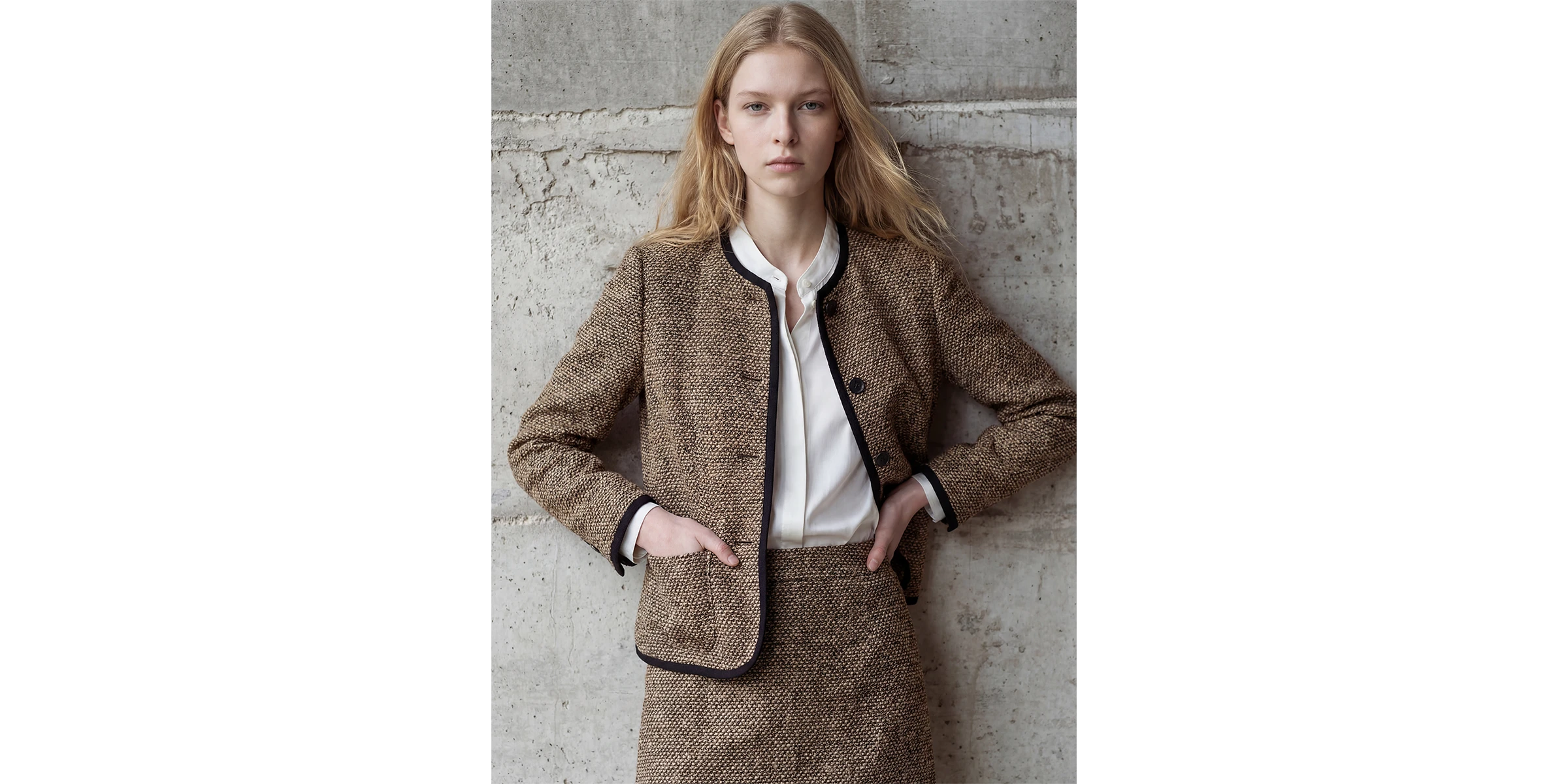
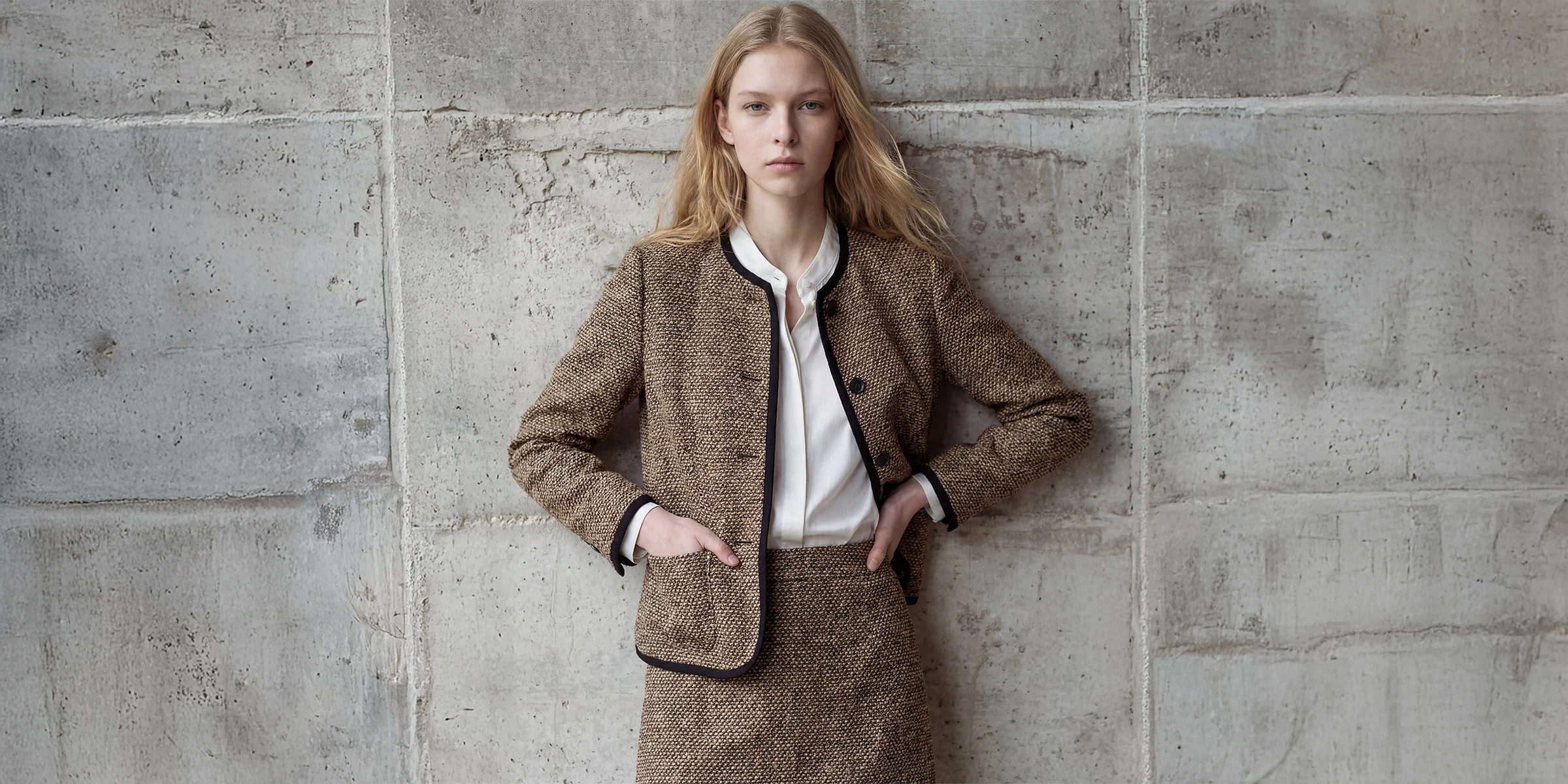
Magic Eraser
- Pick out just what you don't want
- Fills the erased area naturally
- Done in one click
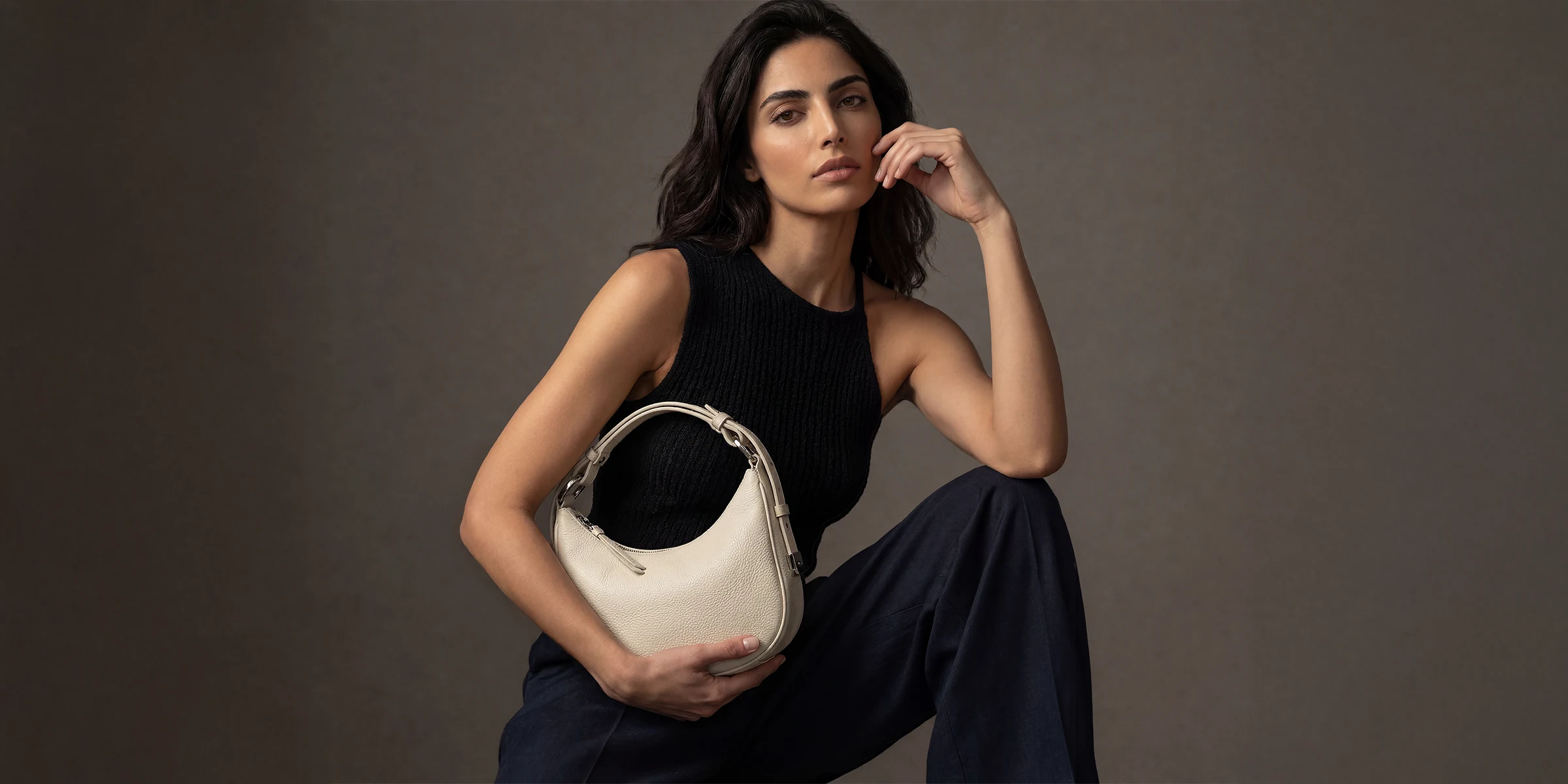
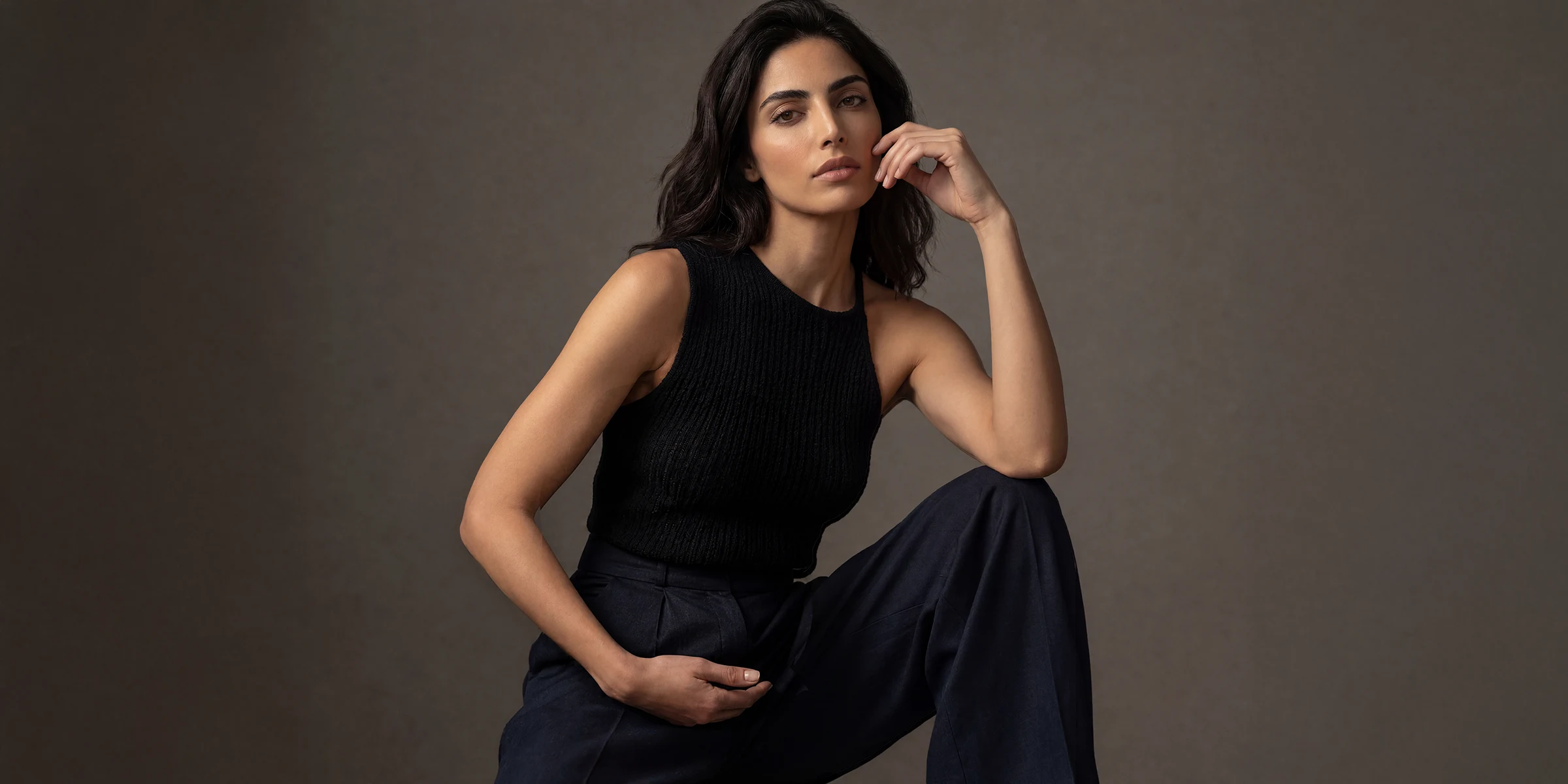
Replace Product
- Keep the scene, change only the product
- New arrivals in the same mood, instantly
- No reshoot needed
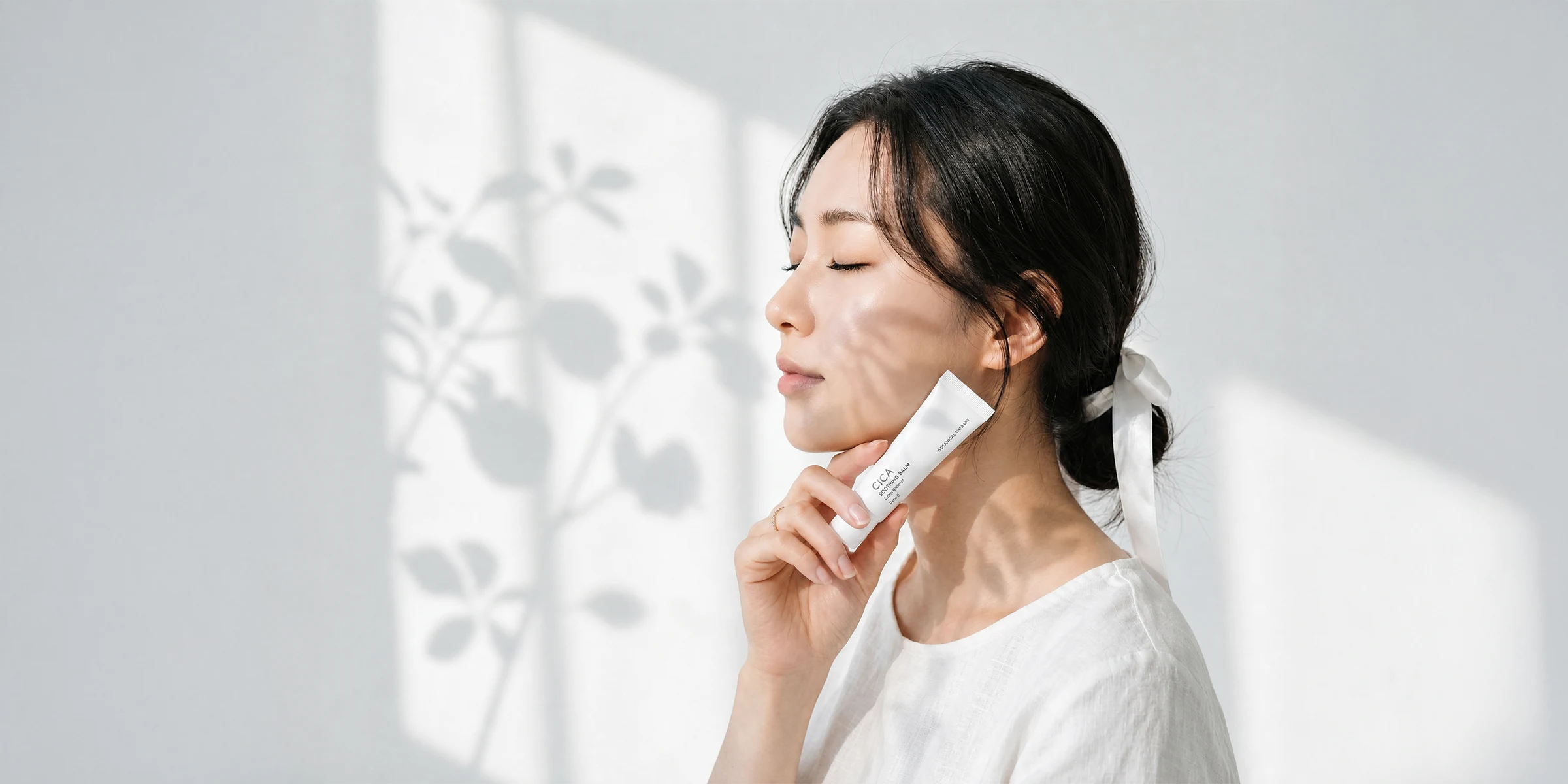
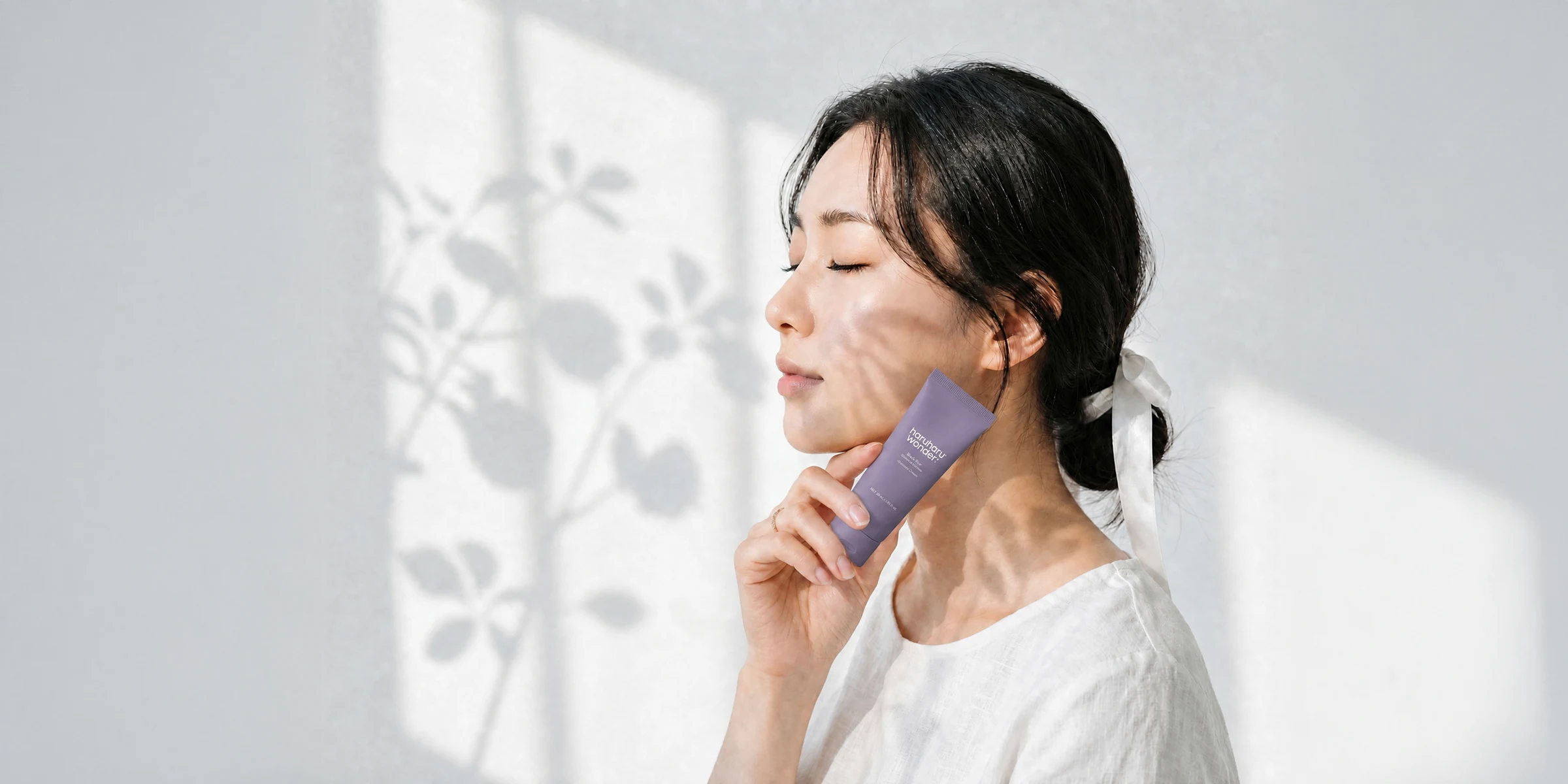
Detail Change
- Precisely fix fingers, logos, and details
- Leave the rest of the image untouched
- Small flaws gone without a trace
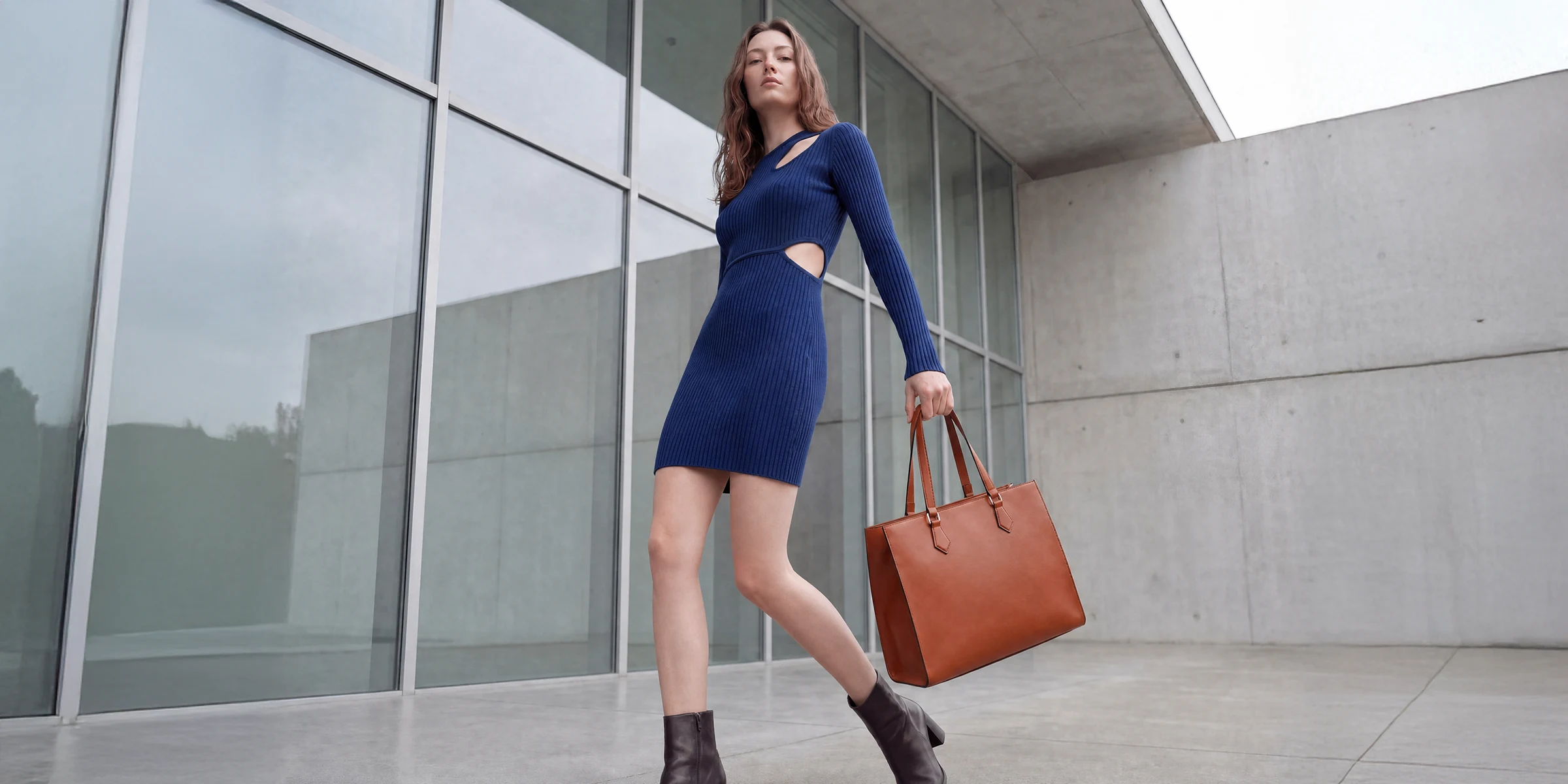
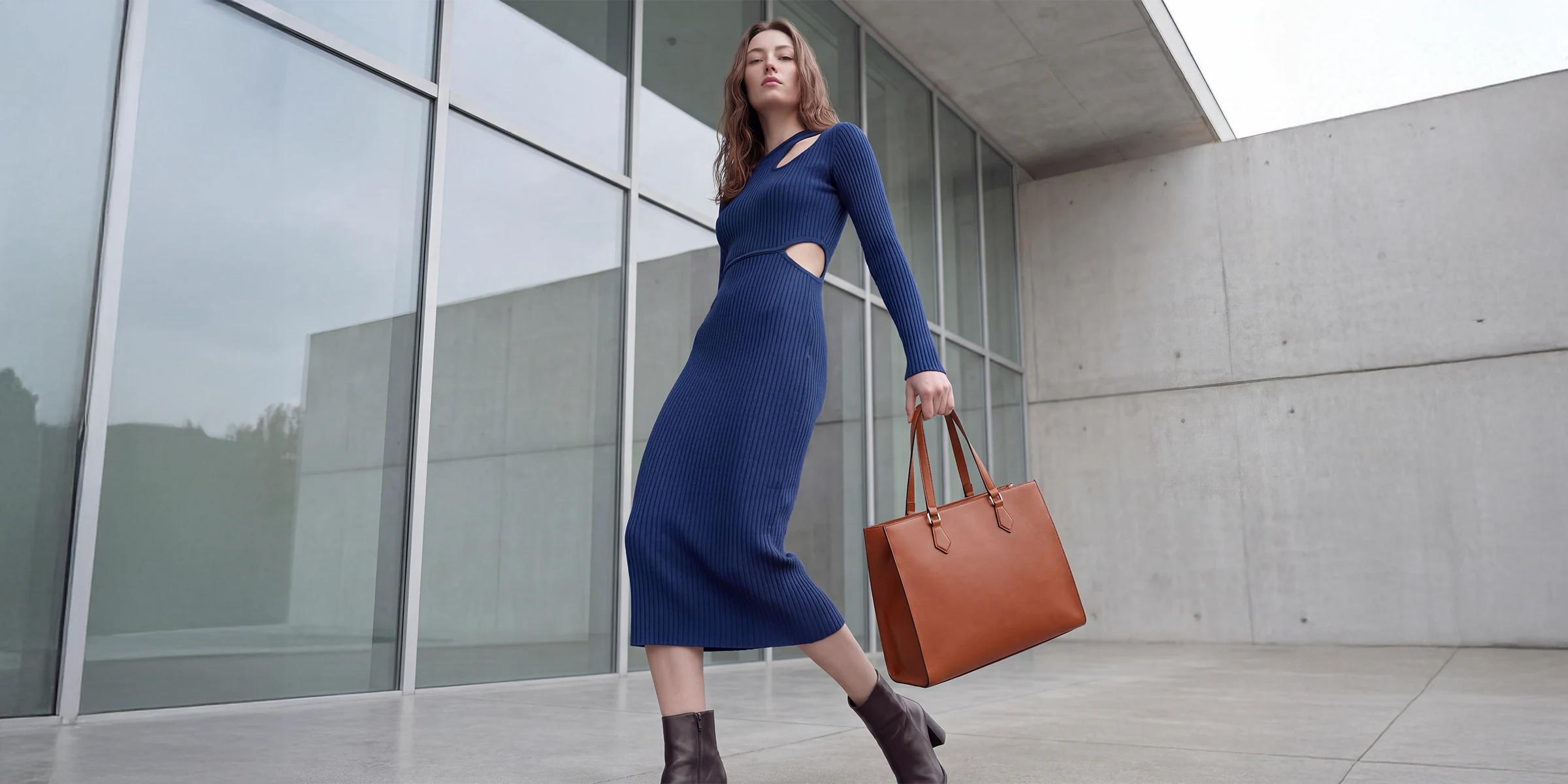
Background Change
- From studio to outdoor moods
- Keep the model and outfit
- Same shot, a new world